Fanless Computers: Who Are Completely Silent PCs Best For, and What Are Their Limitations?


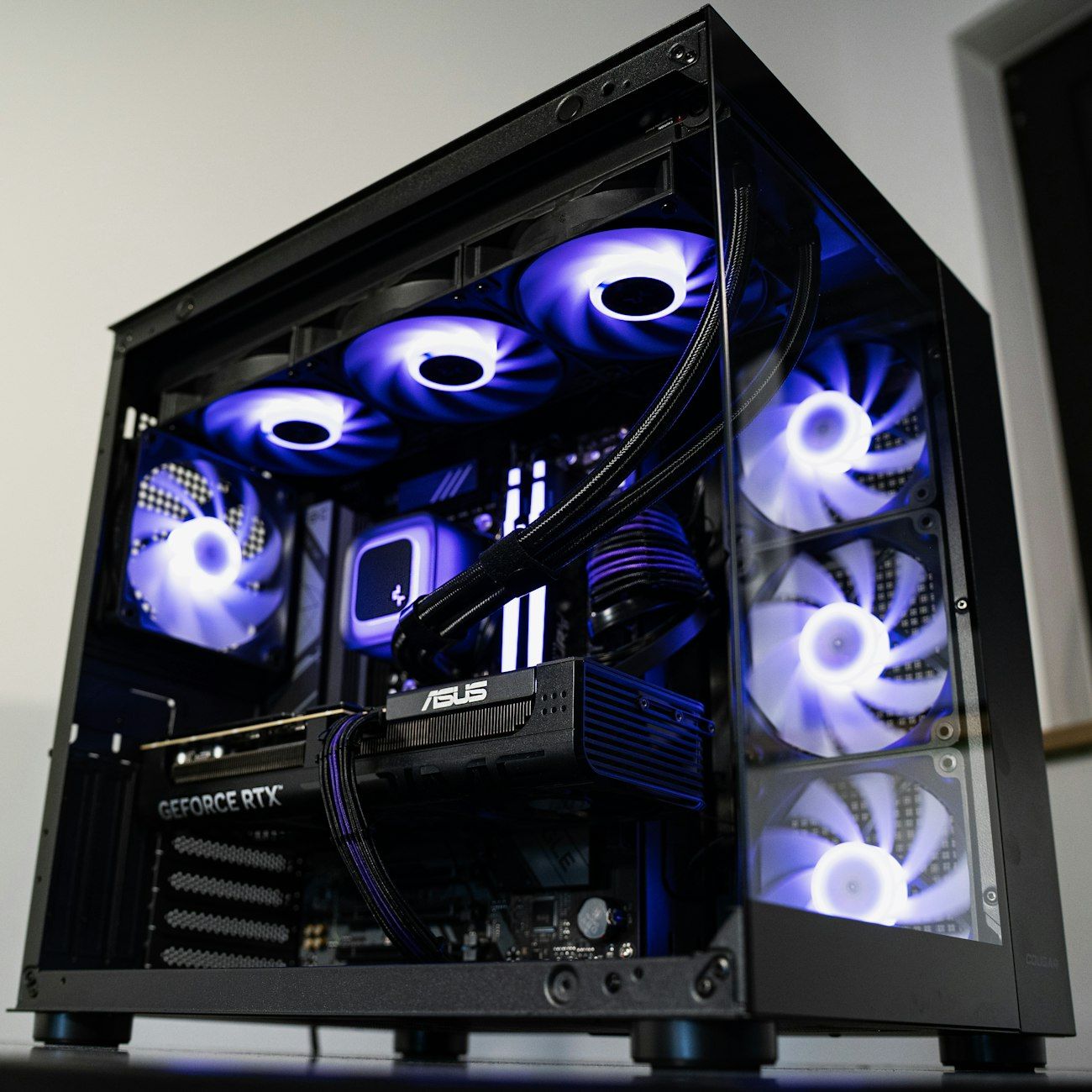
Most desktop computers use fans to move air across hot components. Fanless computers instead rely on passive cooling technology: heat travels from the processor and other parts to a heat sink or metal chassis, where it dissipates into the surrounding air. With no cooling fan spinning, these silent PCs can run without the steady hum or sudden bursts of noise common to conventional machines.
That quiet operation is the main appeal, but it is not the only one. Many models are compact, have fewer moving parts, and can use less power than performance-focused desktops. These qualities make noiseless computers an attractive choice in the right setting, though they do not make every fanless system suitable for every workload.
Who Benefits Most?
Fanless systems work especially well for people who value a quiet workspace. In a home office, recording room, library, classroom, or bedroom, even a small fan can be distracting. A silent desktop computer can also make a difference in medical offices, retail counters, and reception areas, where background noise affects comfort and conversation.
They are also useful for light, steady tasks such as web browsing, email, document editing, digital signage, point-of-sale systems, and media playback. A fanless mini PC can fit behind a monitor or in a compact installation, and its low power draw may help reduce electricity use. For these applications, fanless PC benefits include quiet operation, a small footprint, and relatively simple upkeep because there is no fan to replace or clean.
Some energy-efficient computers are designed for continuous operation, but buyers should check the manufacturer’s specifications and warranty rather than assume that silent means suitable for 24/7 use. Dust, ambient temperature, ventilation, and the device’s workload still matter.
Important Limitations
The same design that removes fan noise also limits how quickly a system can shed heat. Fanless PC limitations become noticeable during demanding or sustained workloads, including gaming, video rendering, large software builds, and complex data processing. To keep temperatures under control, a computer may reduce processor speed. This thermal throttling can make it slower than a similarly priced model with active cooling.
Performance varies widely. Some fanless computers use low-power processors intended for basic tasks, while higher-end models have larger heat sinks, more capable chips, and higher prices. A metal case may become warm during use; that can be normal, but the computer needs open space for heat to escape. Placing it in a closed cabinet or stacking items around it can compromise cooling.
Other trade-offs can include fewer ports, limited graphics performance, and less room for upgrades. Because there is no fan to mask other sounds, coil whine or storage noise may still be audible on some systems. “Fanless” therefore does not always mean completely silent.
Choosing the Right Model
When comparing the best fanless computers, match the processor and memory to your everyday workload, and look for independent performance tests under sustained use. Check supported displays, storage options, ports, operating temperatures, and warranty terms. Consider where the computer will sit and whether air can circulate around its case.
For quiet, light-duty computing, a fanless mini PC can be an excellent fit. For heavy creative work or gaming, a well-cooled conventional PC is usually the more dependable choice. The best system is not simply the quietest one; it is the one that stays quiet while delivering the performance, reliability, and room to grow that your work requires.