Why Does Your Computer Slow Down Over Time? 7 Components You Should Check
Welcome to our article discussing why your computer may be slowing down over time and the 7 key components you should check to address this issue.
1. Ageing Computer:
One of the primary reasons for a computer slowdown is the ageing of the device itself. As computers get older, the hardware components may not perform as efficiently as they once did. This can lead to a decrease in overall PC performance.
2. RAM Issues:
Random Access Memory (RAM) is crucial for the smooth operation of your computer. If your computer is experiencing slowdowns, it could be due to insufficient RAM or potential issues with the existing RAM modules. Upgrading or replacing your RAM can often lead to a noticeable improvement in performance.
3. SSD Health:
If your computer has a Solid-State Drive (SSD), it is essential to monitor the health of the drive regularly. Over time, SSDs can experience wear and tear, which may impact their performance. Checking the health of your SSD and replacing it if necessary can help in resolving any slowdown issues.
4. CPU Performance:
The Central Processing Unit (CPU) is the brain of your computer, responsible for executing tasks. If your CPU is overheating or running at high usage consistently, it can lead to a decrease in performance. Monitoring your CPU usage and ensuring proper cooling can help maintain optimal performance.
5. Graphics Card:
Your Graphics Processing Unit (GPU) or graphics card is crucial for rendering images and videos on your computer. If your graphics card is outdated or experiencing issues, it can impact overall system performance. Upgrading your graphics card can often lead to improved graphics and faster performance.
6. Storage Space:
Insufficient storage space on your hard drive can also contribute to a slowdown in your computer's performance. Regularly check your storage space and remove any unnecessary files or programs to free up space. Additionally, consider upgrading to a larger storage drive if space is a recurring issue.
7. Hardware Maintenance:
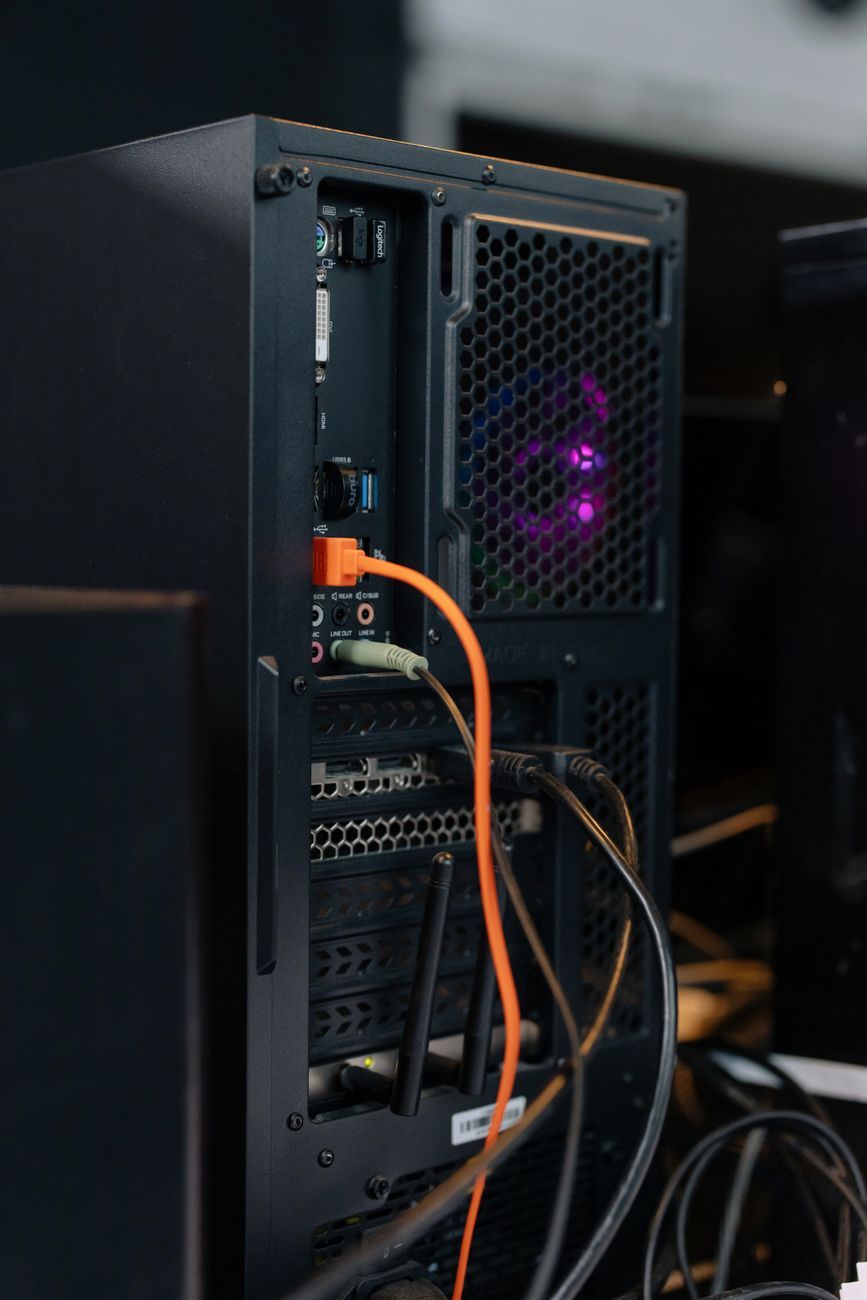
Regular hardware maintenance is essential for keeping your computer running smoothly. Dust buildup, loose connections, or failing components can all contribute to a decrease in performance. Keeping your computer clean, checking for hardware issues, and performing routine maintenance can help prolong the life of your system.
In conclusion, addressing computer slowdowns involves a combination of monitoring key components, performing upgrades when necessary, and maintaining your hardware properly. By focusing on these 7 components, you can identify and resolve issues that may be causing your computer to slow down over time.