KVM Switch: How to Control Two Computers with One Keyboard and Mouse

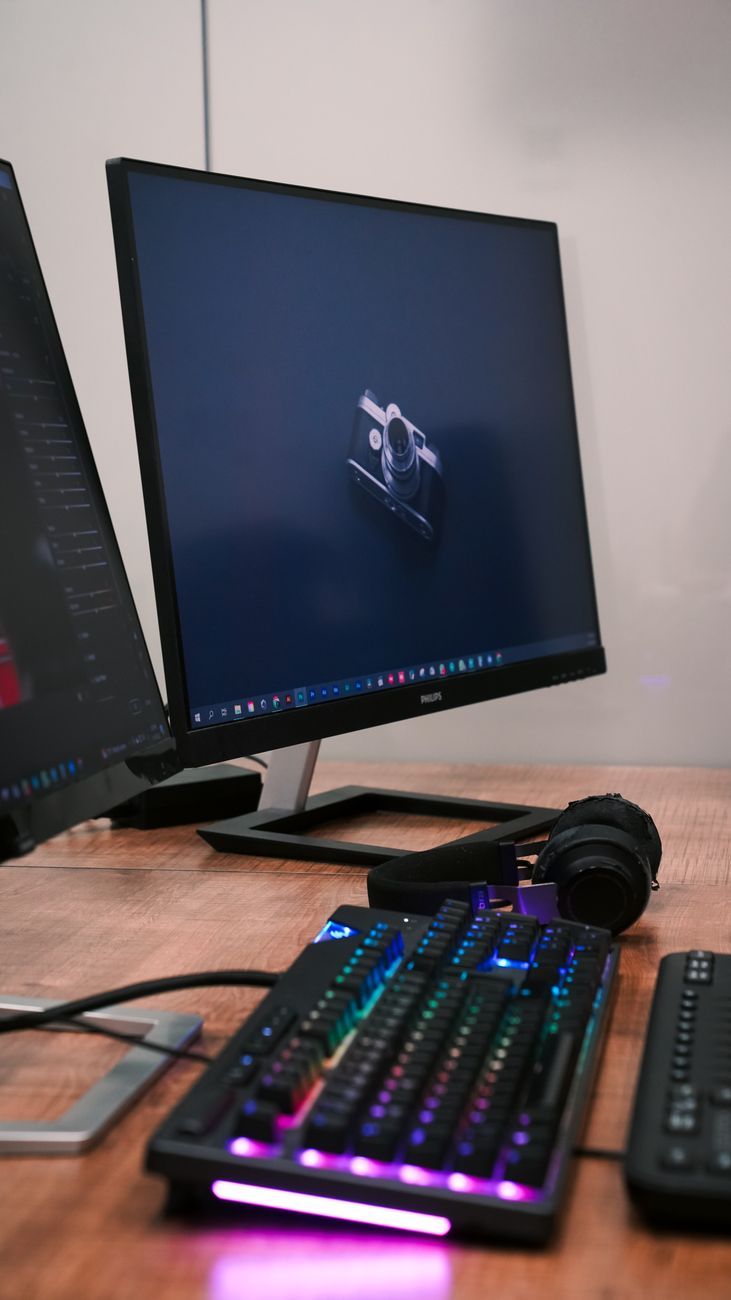
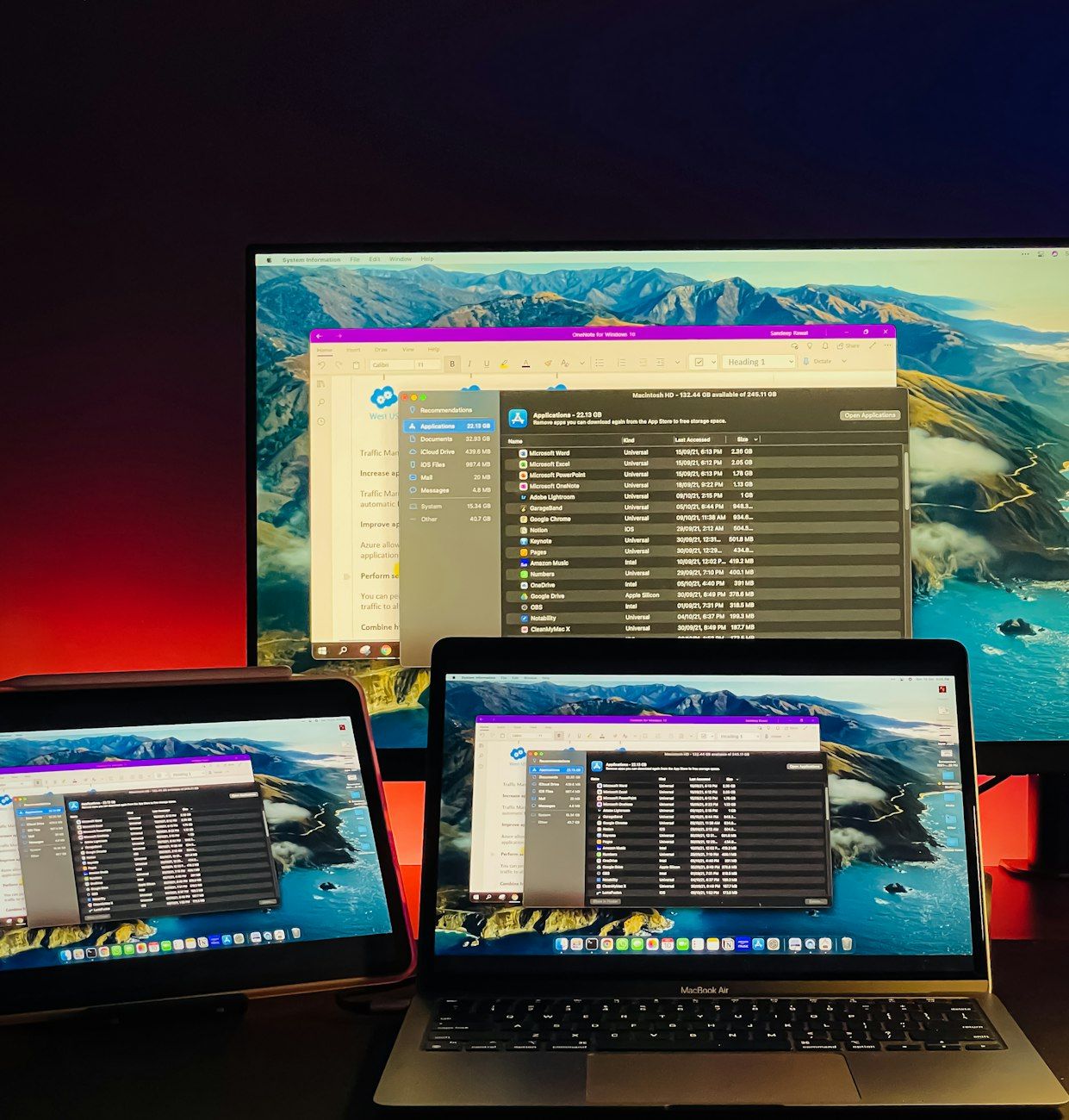
Have you ever found yourself juggling between two computers, constantly switching back and forth between keyboards and mice? This can be not only cumbersome but also inefficient. But fear not, as there is a solution to this common problem – the KVM switch.
A KVM switch, short for "Keyboard, Video, Mouse" switch, allows you to control multiple computers using a single keyboard, mouse, and monitor. This means you can seamlessly switch between two or more computers without the need for multiple input devices. The keyboard and mouse sharing feature of a KVM switch enables you to manage multiple systems with ease, making it perfect for a dual PC setup.
There are various types of KVM switches available in the market, each catering to different needs. The most common ones are USB KVM switches and HDMI KVM switches. A USB KVM switch allows you to control multiple computers using a single set of USB peripherals, while an HDMI KVM switch provides high-definition video output for crystal-clear display.
Setting up a KVM switch is straightforward. Simply connect your keyboard, mouse, and monitor to the KVM switch, and then connect the KVM switch to your computers using the appropriate cables. With just a press of a button or a keyboard shortcut, you can seamlessly switch between the connected computers, giving you complete control over your workspace.
The benefits of using a KVM switch go beyond just convenience. It also helps in optimising your workspace by reducing clutter and minimising the number of peripherals you need. With a KVM switch, you can declutter your desk and create a more organised workspace, enhancing your overall productivity.
Whether you're a professional who needs to manage multiple systems simultaneously or a home user looking to simplify your setup, a KVM switch is a valuable tool that can streamline your workflow. Say goodbye to the hassle of constantly swapping between keyboards and mice, and embrace the efficiency of multi-computer control with a KVM switch.