Region codes explained: why an imported Blu-ray won't play
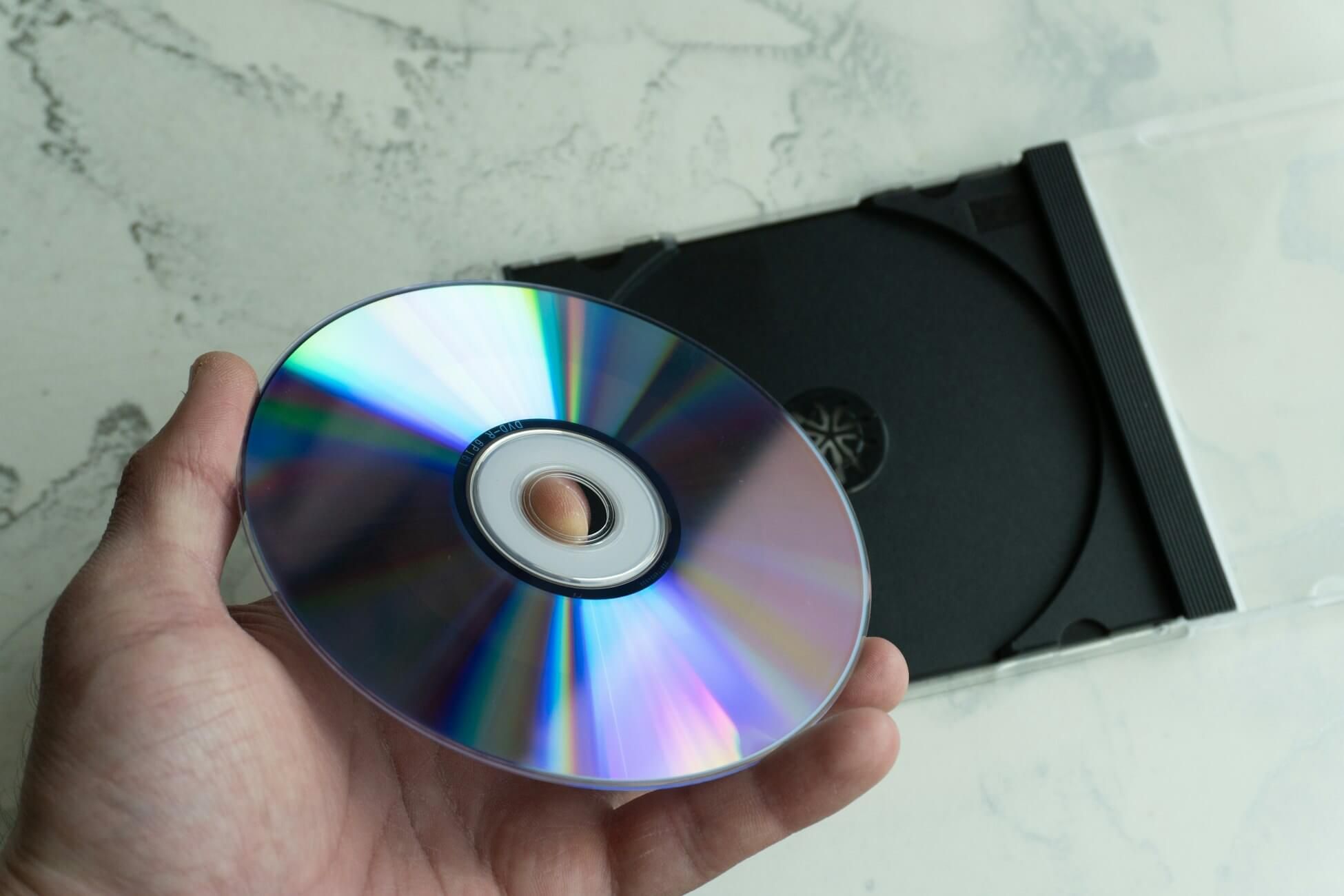

You ordered a British box set, slid the disc into your player and got a black screen or a message saying the disc can't be played in your region. Nothing is broken. The disc carries a region code, your player carries one too, and they don't match. The US region code for Blu-ray is A; a disc made for the UK market is often coded B, and a standard US player refuses it.
Whether the disc plays depends on the codes printed on the case and on the kind of player you own.
A lock set at the factory, checked at the tray
Region coding is a restriction the studios built into the DVD and Blu-ray standards so they could release a film at different times, at different prices and through different distributors around the world. Every standard player is made for one region and stores that setting in its firmware. When you load a disc, the player reads the region flag on it and stops if its own region isn't listed.
Blu-ray added a second layer. Many discs run a small programme when they load, and some of those programmes check the player's region themselves, which is why an import sometimes reaches a warning screen from the studio instead of a plain error from the player. Either way, a disc locked to another region won't play on a standard player sold in the US.
A disc can also be coded for several regions, or for none. Plenty of Blu-rays are region-free or marked for all three regions, so many imports play without any trouble at all.
Regions A, B and C, and the older DVD map
Blu-ray divides the world into three broad regions:
- Region A: North, Central and South America, Japan, South Korea, Taiwan, Hong Kong and most of South East Asia
- Region B: most of Europe, the Middle East, Africa, Australia and New Zealand
- Region C: mainland China, Russia, India and most of Central and South Asia
So the US uses region A for Blu-ray, and the UK region code is B. Japanese and American discs share region A, which is why a Japanese Blu-ray will usually play on your equipment while a locked British one won't.
The DVD region code system is older and finer, with numbered regions. The US and Canada are region 1. Region code 2 covers most of Europe, including the UK, along with Japan, the Middle East, Egypt, South Africa and Greenland. Regions 3 to 6 split South East Asia, Latin America, Oceania, Africa, India, Russia and China, and a disc marked 0 or ALL plays in any region.
That split explains a common surprise: a Japanese Blu-ray shares your region, but a Japanese DVD is region 2 and gets the same refusal as a British one.
Read the back of the case before you buy
The region code is usually printed on the back of the case, often as a small globe with a letter or number inside. A globe showing A, B and C, or a disc marked region-free, plays on players from any region. Online listings sometimes leave the region out or get it wrong, so look for the code on a photo of the back cover; a listing that only says 'import' tells you nothing.
Combo packs catch people out. A set that bundles a Blu-ray with a DVD can carry a different code on each disc, such as region B on the Blu-ray and region 2 on the DVD. A 4K Ultra HD Blu-ray in the same set is a different matter: that format has no region coding in its specification, so the 4K disc plays on any 4K player while the regular Blu-ray packed beside it may still be locked.
Why a region-free disc can still fail
A matching region doesn't guarantee a picture. European DVDs are encoded in PAL, the TV system used there, while US equipment is built around NTSC. Many US DVD players and TVs cope with PAL, but some players don't convert it, and you get a rolling picture, a black-and-white one or nothing.
Blu-ray mostly avoided this, since films are usually stored at 1080p and 24 frames per second worldwide. The exception is material made for European television, such as TV series, concerts and documentaries, which can be recorded at 50Hz. If a region-free British disc of a TV show won't display, check whether your player and TV accept a 50Hz signal; many recent TVs do, but some players and older sets don't.
Ways to play a locked import
A multi-region player is the dependable answer. These are standard players whose firmware has been modified to switch between regions or ignore them. Check exactly what one covers: some play every DVD region but keep Blu-ray fixed to one, while others switch Blu-ray between A, B and C. Modifying a player yourself may void its warranty.
The other routes each come with a catch:
- Games consoles that play Blu-ray movies generally lock movie discs to the region of the console's market, so they won't help with a locked import.
- Computer Blu-ray and DVD drives usually let you change the region setting only a limited number of times, often five, before the last choice becomes permanent.
- A player bought in the disc's region works, but check that its power supply accepts 120 volts, because a plug adapter alone doesn't convert voltage.
The back of your player or its box usually shows its own region, so compare that letter or number with the one on the disc before you order: if your player says A and the disc shows only B, that disc won't play on it.