Hidden Car Key Features: 7 Functions Most Drivers Don’t Know About
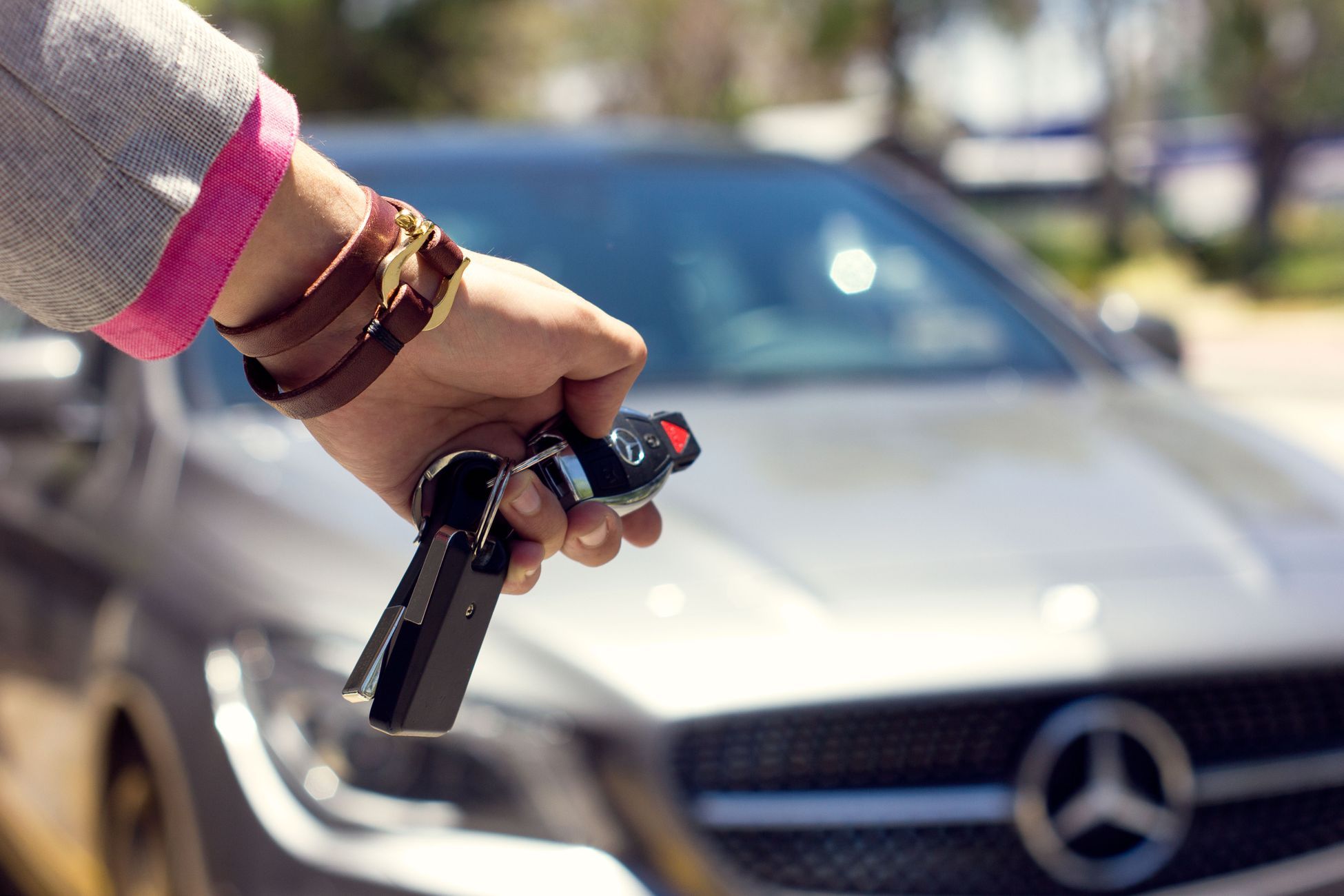
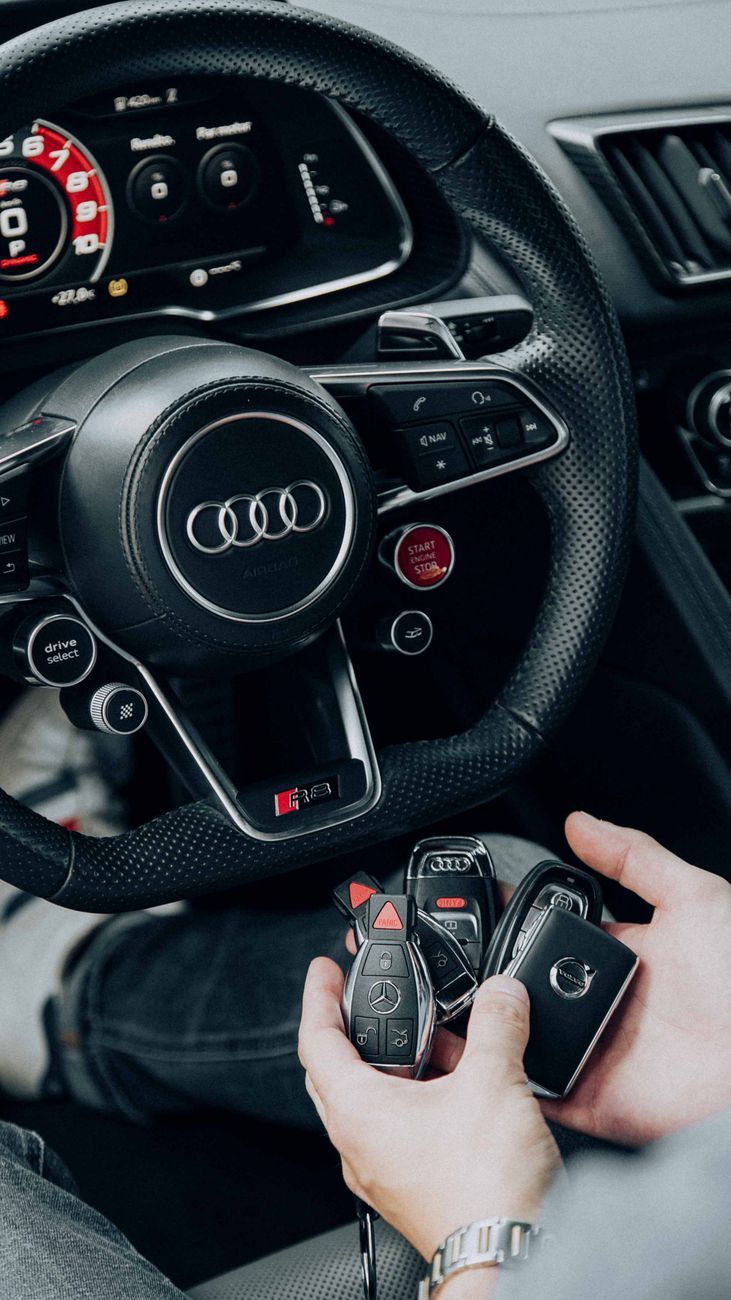
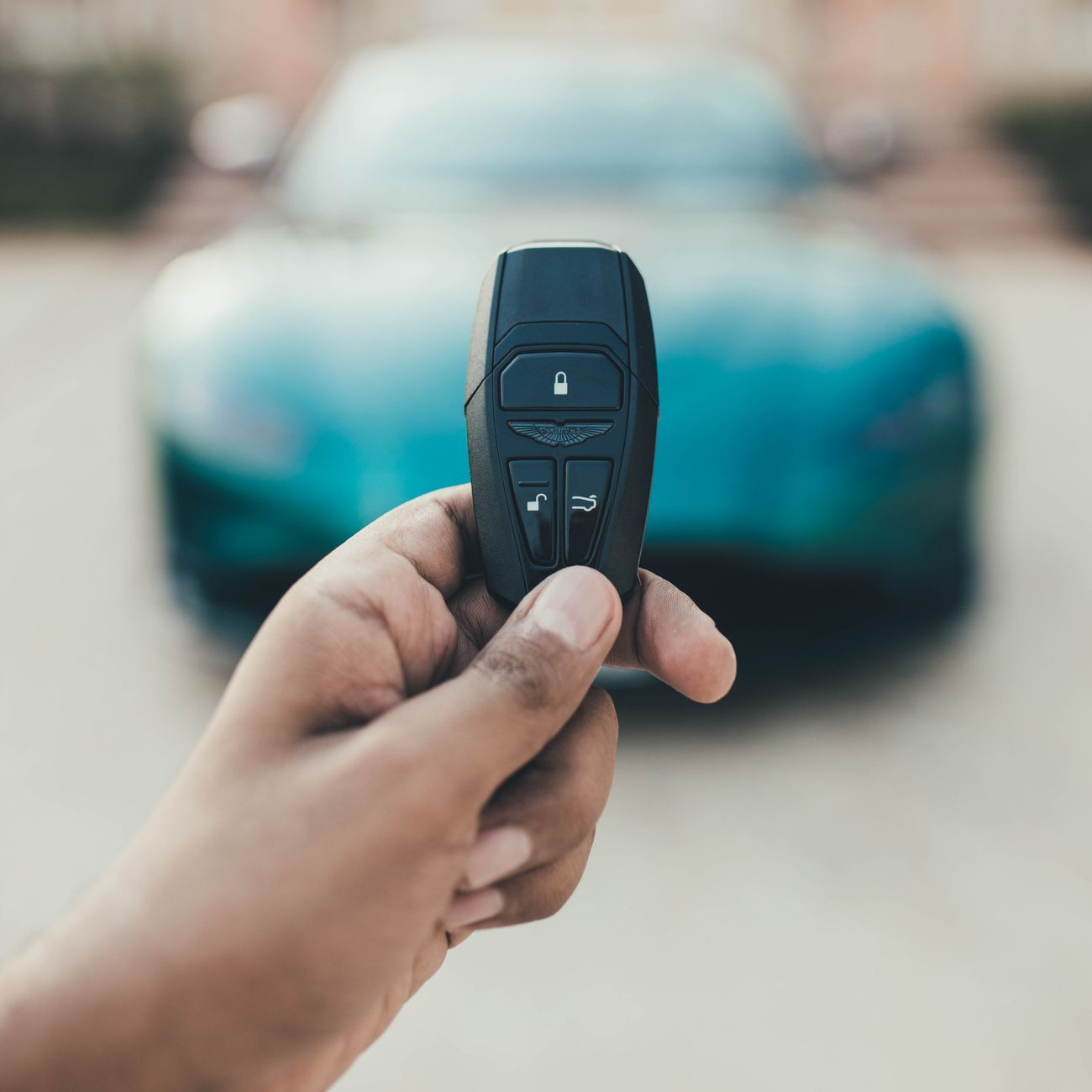
Your car key may do much more than lock and unlock the doors. On many vehicles, the key fob includes buttons, button combinations, or built-in emergency tools that can make everyday driving easier. Some features are obvious once you know where to look; others are tucked into the owner’s manual or depend on settings enabled by the manufacturer.
These hidden car key features are not universal. Functions vary by make, model, trim, model year, and even the region where a vehicle was sold. A feature may also need to be switched on in the vehicle settings. Before trying a shortcut, check your owner’s manual and use the controls only in a safe place. Here are seven useful car key functions worth learning about.
1. Open or close the windows with the remote
Some vehicles let you lower the windows from outside by pressing and holding the unlock button. This can be useful on a warm day: you can ventilate the cabin before getting in instead of opening the door and waiting for hot air to escape. On certain models, holding the lock button may close the windows and, in some cases, the sunroof.
The exact operation differs. A car might require you to press unlock twice and hold it on the second press, or it may offer the feature only through a setting in the vehicle menu. Others do not support it at all. Treat this as one of the more convenient car key tricks, but use it thoughtfully. Make sure you can see the vehicle and the windows, and never close windows when a person, pet, or object could be in the way. If the feature does not work, consult the manual rather than trying random button sequences.
2. Start the engine remotely
Remote start can let you turn on the engine from a short distance, usually with a specific sequence on the fob. Depending on the vehicle, that might involve pressing the lock button and then holding a separate remote-start button. Some cars use a phone app instead, while others do not offer remote starting.
When available, remote start can warm or cool the cabin before a trip, especially when paired with automatic climate controls. The car may shut off after a set period or require you to enter and press the start button before driving. Follow the manufacturer’s instructions and local rules. Never start a vehicle in a closed garage or another poorly ventilated area, because exhaust can build up quickly. Remote start is a practical example of smart car key technology, but it should be used with the same care as starting the car from inside.
3. Find your car with the panic button or vehicle locator
The red or alarm-marked button on many remotes is designed to sound the horn and flash the lights. It can help you locate your vehicle in a crowded car park, but it may also draw attention if you feel unsafe near the car. On some models, a short press activates the alarm, while another press turns it off. The behaviour depends on the vehicle.
Other cars have a dedicated “find my car” function that flashes the lights or sounds the horn without triggering the full alarm. If your fob has a panic button, learn how to stop the alert before you need to use it. Avoid testing it late at night or near homes where the sound could disturb others. Among secret car key functions, this one is easy to overlook because drivers may assume the panic button is only for emergencies.
4. Open the boot without unlocking every door
A boot or tailgate button can provide quick access to the luggage area while keeping the rest of the vehicle locked. On some fobs, you need to press and hold the button; on others, a double press opens the boot or releases the latch. Certain vehicles also allow a powered tailgate to open or close from the remote, sometimes with a long press.
This can be handy when your hands are full, but remember that opening the boot is not always the same as unlocking the cabin. Check whether the vehicle remains locked after you close the tailgate, especially if you are leaving bags inside while continuing to shop. Powered tailgates may stop or reverse if they detect an obstruction, but never rely on that as a substitute for watching the area. These keyless entry features are particularly useful for SUVs and hatchbacks with a rear luggage door.
5. Turn on approach lighting
Many vehicles can illuminate exterior lights when you unlock the doors or approach with the smart key. Headlights, parking lights, or small puddle lamps may stay on for a short time, lighting the path to the vehicle or making it easier to see around the door. Some models allow you to change the duration or disable the feature in the vehicle’s settings.
Approach lighting is helpful in dark parking areas, but it can also affect battery use if lights are left on for a long period. Most vehicles switch them off automatically, though the timing varies. If your lights flash when you press unlock, that may be a confirmation signal rather than a separate lighting mode. Checking the manual can reveal which signals are normal and which settings you can adjust.
6. Recall saved seat and mirror positions
On vehicles with memory seats, the car may associate a driver profile or saved position with a particular key fob. When the vehicle recognises that fob, it can move the seat, mirrors, steering column, or other adjustable settings to the saved position. This is especially useful when two people regularly share one vehicle.
These settings may need to be programmed first, and some models associate profiles with a driver account rather than the physical key. If the seat moves unexpectedly, check which profile is active and whether the fobs have been assigned correctly. Memory settings are not available on every trim, but when they are, they are among the more useful car key functions for making a vehicle feel ready for its driver.
7. Use the hidden mechanical key and emergency start method
Many smart-key fobs contain a small mechanical key concealed inside the housing. A release tab or slider lets you remove it, and it can unlock the driver’s door if the fob battery is dead or the vehicle’s electrical system has a problem. Some cars hide the keyhole beneath a small cover on the door handle, so check the manual before trying to pry anything off.
A weak fob battery does not always mean you are stranded. Many push-button-start vehicles have a backup method for recognising the key, such as holding the fob against a marked area or placing it in a designated slot. The location and procedure are model-specific. The vehicle may be able to read a passive chip at close range even when the remote buttons no longer work. Keep a fresh, correct-size battery available, and learn the backup procedure while the car is working normally. This is one of the most important key fob hidden features because it can help you regain access and start the vehicle when the usual method fails.
How to discover your vehicle’s shortcuts
For more car remote control tips, start with the owner’s manual, the vehicle’s settings screen, or a dealer’s service department. Search the manual’s index for terms such as “remote,” “keyless entry,” “window,” “memory,” and “emergency start.” The manual is also the safest place to verify button sequences, operating range, and whether a feature must be enabled.
Avoid assuming that a shortcut from another model will work on your car. Repeatedly pressing buttons can trigger an alarm, lock you out, or activate a function you did not intend. Keep the fob away from water and extreme heat, replace its battery when range drops, and store spare keys securely. If you drive a newer vehicle, explore its settings and ask which features are tied to the key, which are controlled through an app, and which require a subscription.
Learning a few car key shortcuts can save time, improve comfort, and help you respond calmly when a fob battery runs low. From remote windows and boot access to emergency entry, these car key tips are most valuable when you know exactly how your own vehicle handles them. Check the manual, test features safely, and use only the functions your model supports.