Charging station for the whole family: what to check before buying
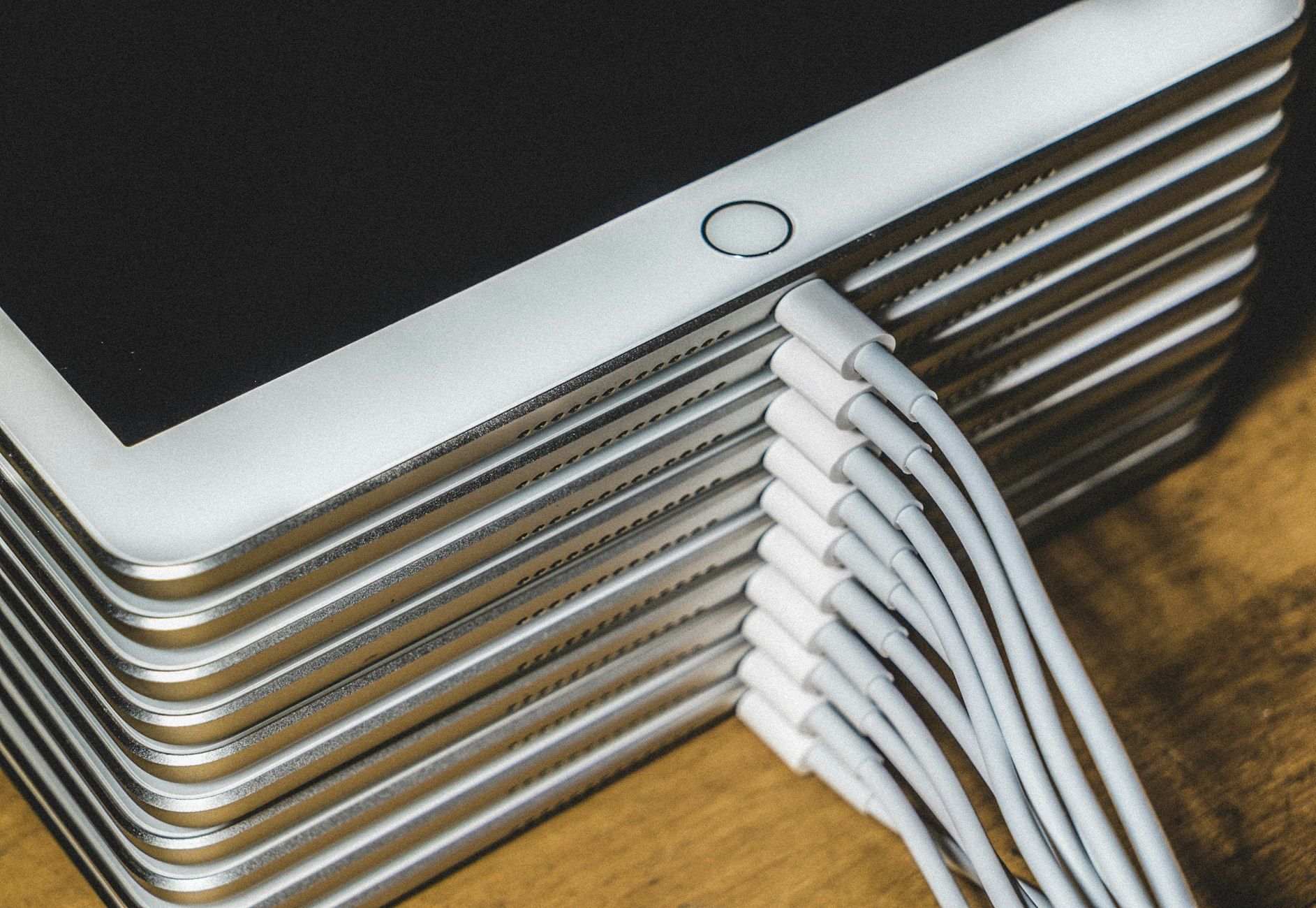
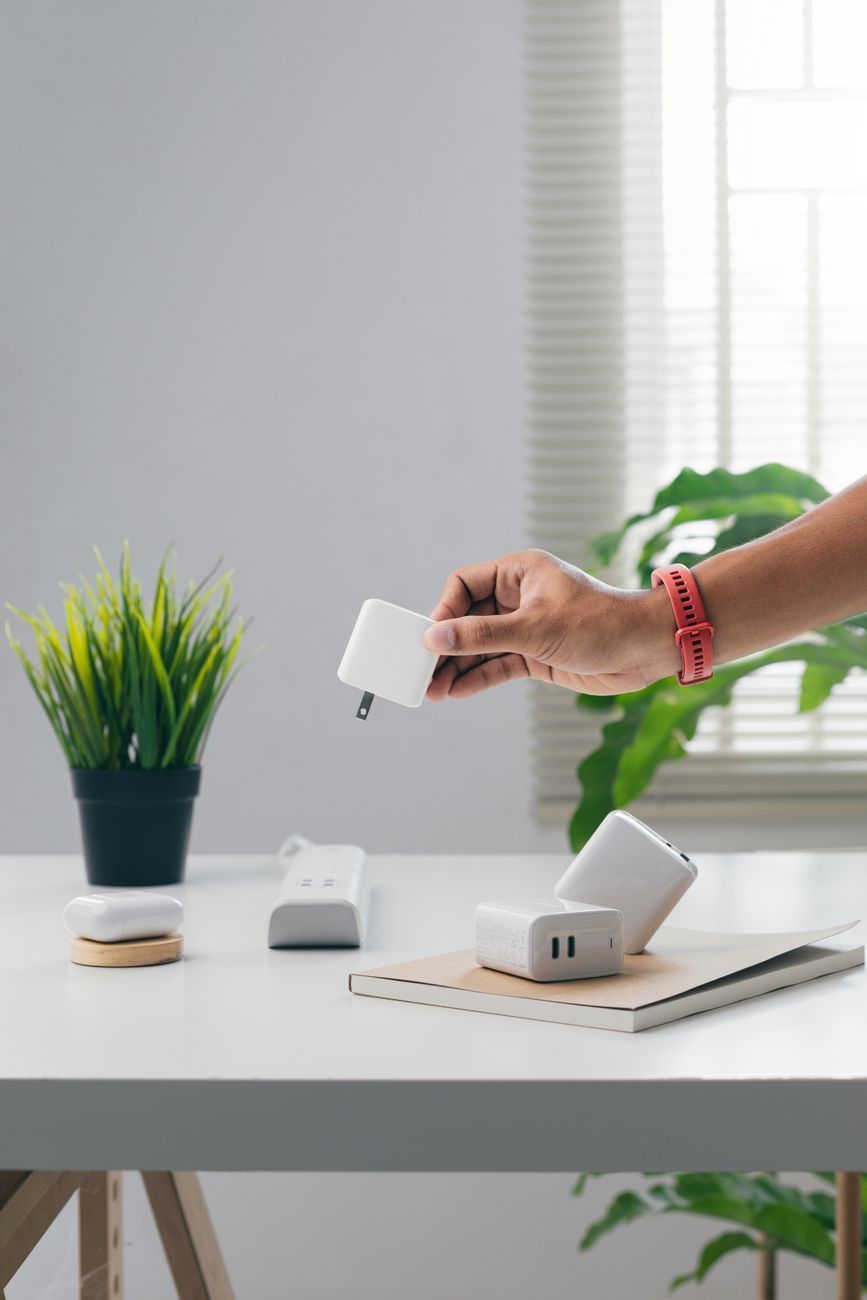
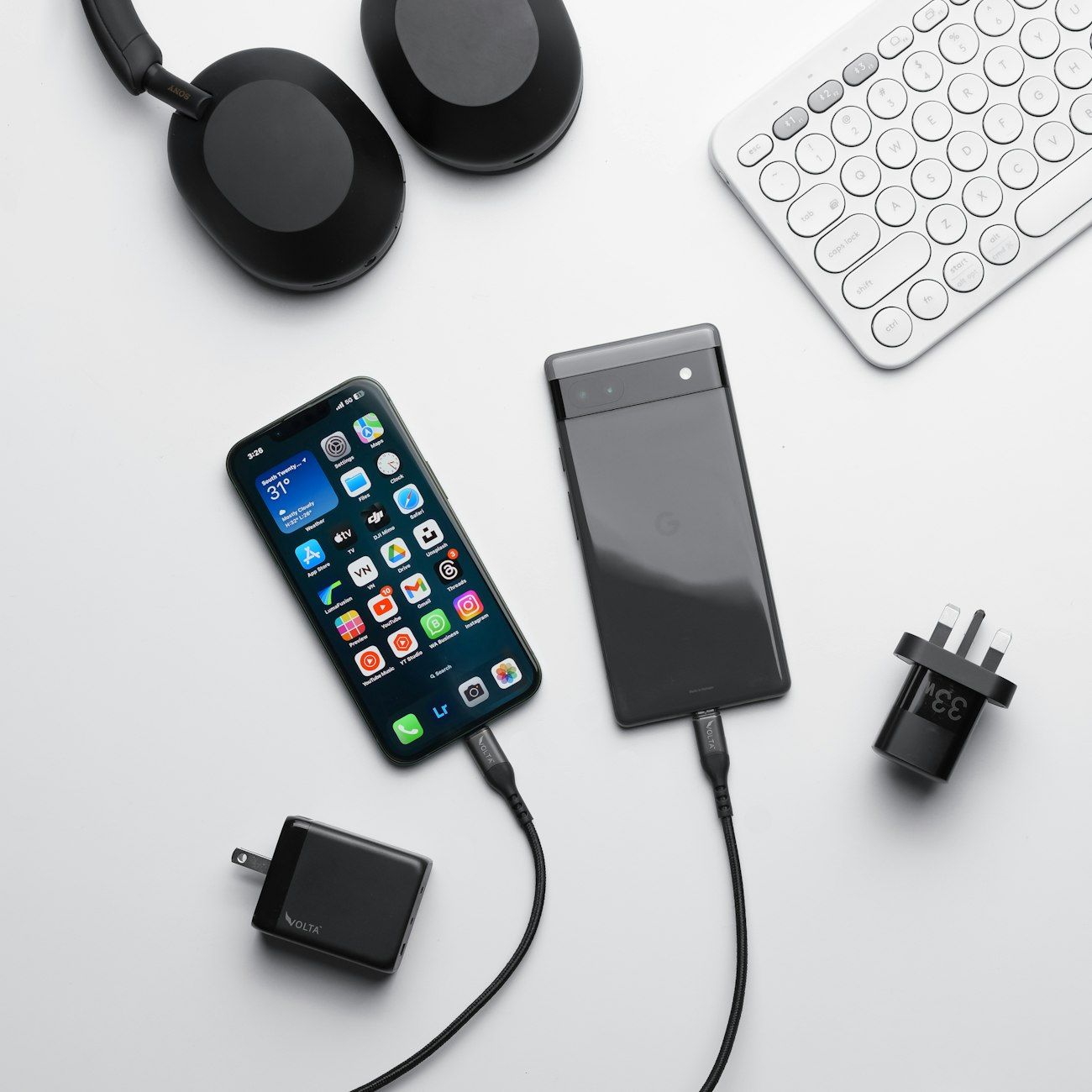
Three phones, a tablet, two pairs of earbuds and a smartwatch usually end up fighting over the same socket by the kitchen worktop. A charging station for multiple devices can end that, but only if it delivers enough power to every port at the same time and fits the plugs your family actually uses.
The two common letdowns are slow charging once everything is plugged in and a wireless pad that won't work through someone's phone case. Both are easy to avoid if you read the spec sheet before you open the box.
List every device and the plug it actually uses
Write down each device that will live on the station and the connector it takes. iPhones before the iPhone 15 use Lightning, while the iPhone 15 and later models use USB-C. Most current Android phones, tablets and many earbuds also use USB-C, but older speakers, cameras and game controllers may still need micro-USB.
Smartwatches are the usual exception. An Apple Watch charges on its own magnetic puck rather than a standard wireless pad, and many other watches and fitness bands use proprietary chargers too. Plan a spot and a port for each of them.
A USB charging station that offers only ports lets you plug in whatever cables you need, and you can swap them as devices change. Stations with built-in cables look tidier, but they lock you into one connector type, and a frayed built-in cable can mean replacing the whole unit. Add one spare port beyond today's count: a new gadget or a visiting relative will fill it.
Per-port wattage matters more than the big number
The wattage printed on the box is usually the total the station can deliver, shared across all its ports. With one phone plugged in, that phone may get a fast charge; with five devices attached, each port can drop to a fraction of that. Good manufacturers publish a table showing what each port delivers in different combinations. If you can't find one, assume the worst.
As a rough guide, phones fast-charge at around 20 to 30 watts over USB-C, tablets often take more, and laptops typically need 45 watts or above. Three phones at 20 watts and a tablet at 30 watts need 90 watts for all of them to charge quickly at once.
Look for USB Power Delivery (PD) on the USB-C ports, since that's the standard most phones and laptops use for fast charging. Samsung Galaxy phones that support Super Fast Charging need a PD feature called PPS, so check for it if your family uses those. USB-A ports are generally slower and suit earbuds, watches and older gadgets.
If the station is mainly for overnight charging, you don't need much speed at all. Pay for high wattage only when someone tops up a laptop or a nearly empty phone during the day.
Wireless pads trade speed for convenience
A wireless charging station is handy for devices that get dropped off and picked up many times a day. It's slower than a cable, wastes more energy as heat, and only works when the coils in the phone and the pad line up. Flat pads are fussy about placement; a phone set down slightly off centre may not charge at all.
Magnetic alignment fixes most of that. Most iPhones from the iPhone 12 on support MagSafe (the iPhone 16e does not), and the Qi2 standard uses a similar magnetic design, so a supported phone snaps into the right spot. Many Android phones lack built-in magnets and can slide off a magnetic stand unless you add a magnetic case.
Cases are the other catch. Thick or rugged cases, card wallets, metal rings and grip mounts can block charging, and metal between phone and pad can heat up. If someone in the family won't take the case off, plan a cable for them.
An iPhone charging station in the popular three-in-one shape holds a phone, earbuds and an Apple Watch. Check whether the watch charger is built in or whether you have to fit your own puck into a slot, because the two designs aren't interchangeable.
A bedside table and a desk call for different designs
A bedside charging station should stay quiet and dark. Bright status lights that never turn off bother light sleepers, and some high-wattage units use small fans. An upright stand lets you see notifications, which is a drawback if the screen lights up all night; a flat pad keeps the display face down.
A desk charging station can be bigger and more powerful. If a laptop shares it, the station needs a USB-C port that can feed it on its own. Upright stands help on a desk because you can read messages or take a video call without picking up the phone, and ports facing forward are easier to reach than ones on the back.
A shared family station in a hallway or kitchen benefits from a closed box or drawer that hides cables. Charging devices give off heat, so choose a design with vents and don't pack phones tightly inside.
Safety marks and signs of a cheap build
In the US, look for a listing mark from a nationally recognised testing laboratory, such as UL, Intertek's ETL or CSA, on the unit or its power supply. An FCC label alone covers radio interference, not fire or electrical safety.
These signs suggest a station worth skipping:
- No brand, model number or rated output printed on the unit itself.
- Claims of fast charging that name no standard, such as PD or Qi2.
- No information about what each port delivers when several are in use.
- A housing that gets hot to the touch with only one or two devices charging.
Protection against overheating, overcurrent and short circuits should appear in the specifications. Its absence doesn't prove a problem, but well-made stations usually list it.
Last checks before you pay
A few practical details decide whether the station works where you put it:
- Measure the spot, including the height an upright stand needs under a shelf.
- Check that the power lead reaches the nearest socket without an extension lead.
- See which cables come in the box, and buy any missing ones in the right connector types.
- Find out whether the power supply is a separate adaptor you could replace or built into the station.
- Read the warranty length and what it requires.
Once it's set up, label short cables by device or colour so family members grab the right one, which saves more frustration than any extra watt.