Wi-Fi Hacks: How to Position Your Router for the Best Signal and Hide the Wires

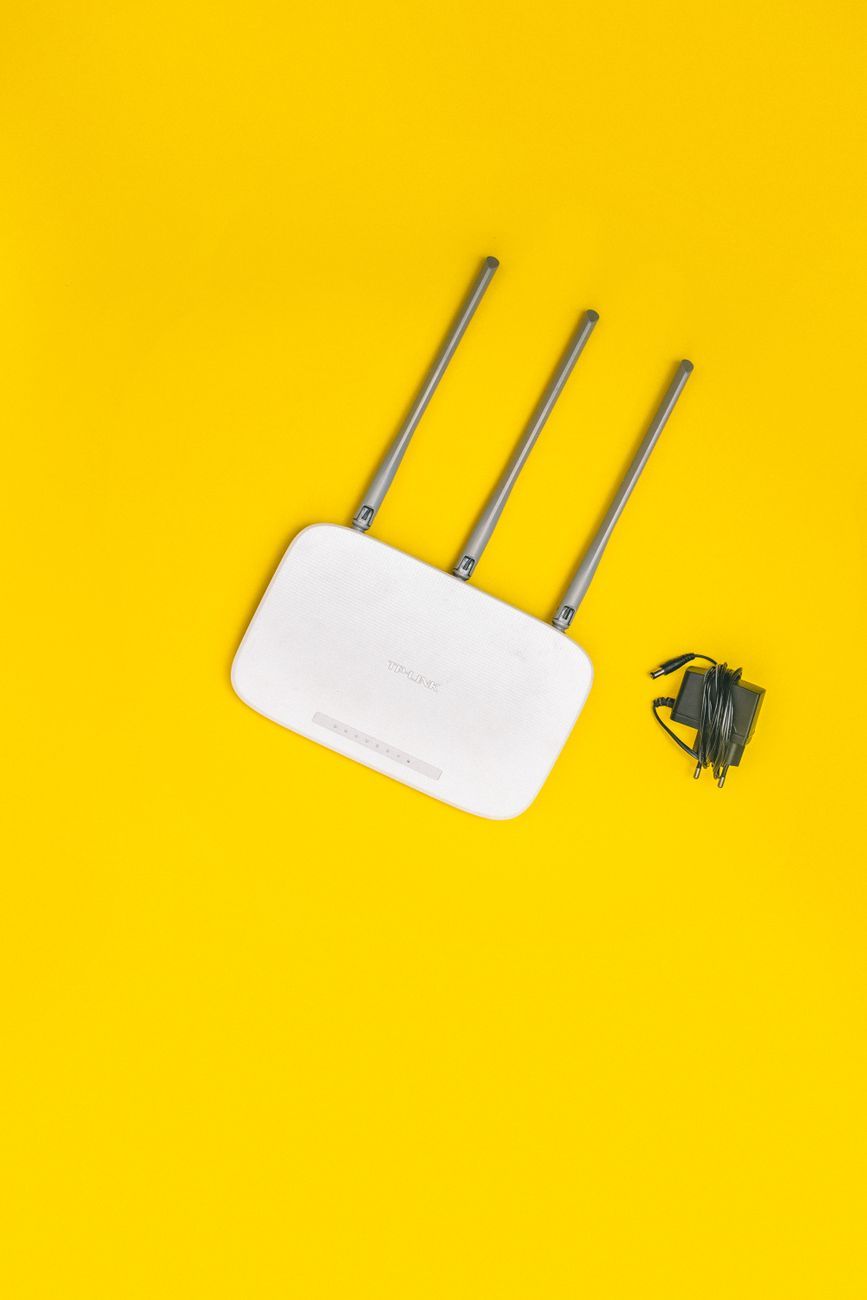
Having a strong and reliable Wi-Fi signal at home is essential for smooth internet browsing, streaming, and working from home. However, many factors can affect the performance of your Wi-Fi network, including the placement of your router and the visibility of messy wires. In this article, we will discuss the best practices to optimize your Wi-Fi signal by positioning your router strategically and concealing those unsightly cables.
Best Router Placement for WiFi
If you want to maximize the coverage and strength of your Wi-Fi signal, the placement of your router is crucial. Here are some tips on the best router placement for WiFi:
- Position your router in a central location: Placing your router in the center of your home can help distribute the signal evenly throughout the space.
- Avoid obstructions: Keep your router away from walls, furniture, and other obstacles that can obstruct the signal.
- Elevate the router: Placing your router at an elevated position, such as on a shelf or mounted on a wall, can help improve its range and coverage.
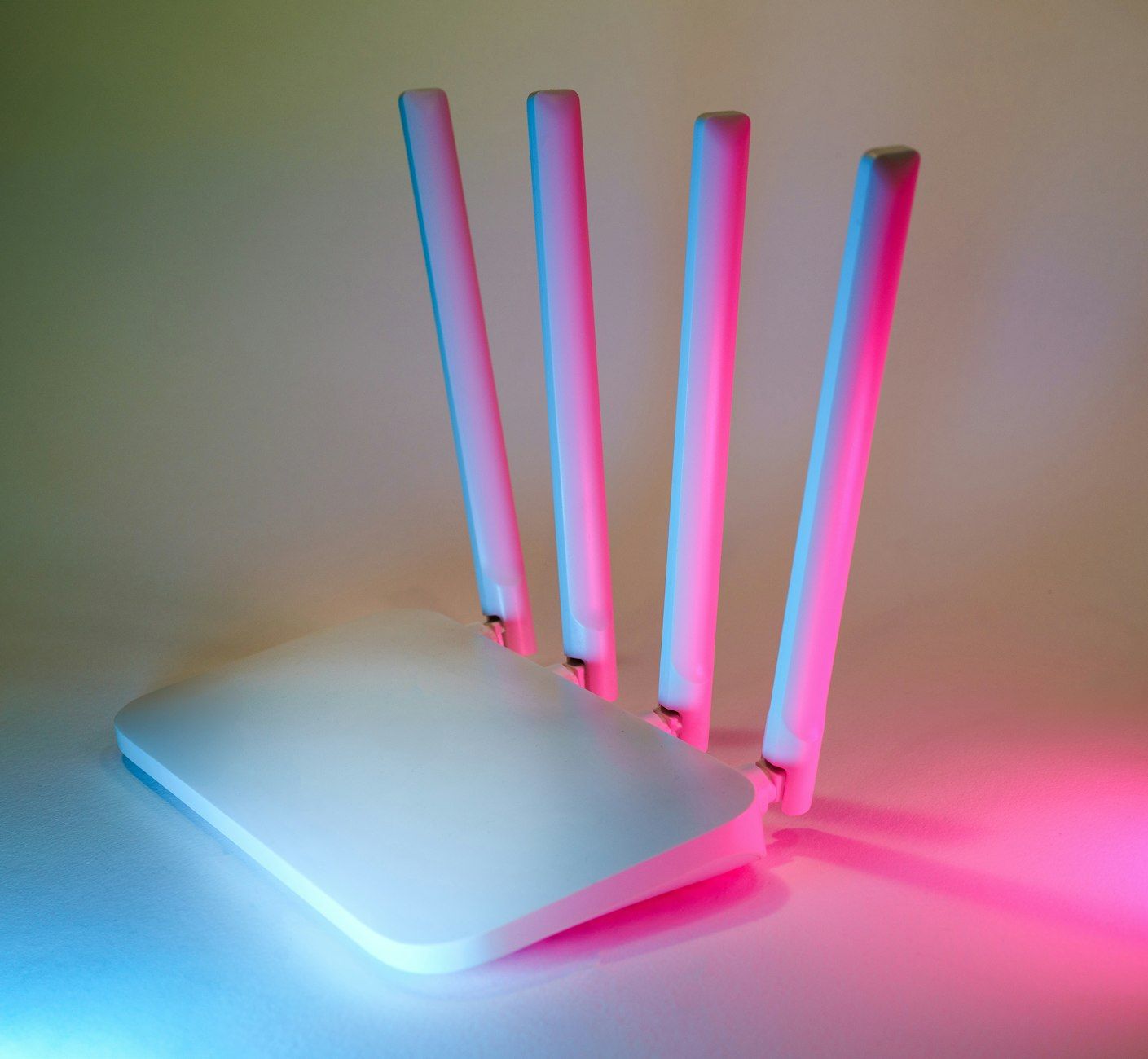
- Aim the antennas: If your router has adjustable antennas, make sure to position them vertically for a better signal distribution.
Boost WiFi Signal at Home
In addition to optimizing your router placement, there are other ways to boost your WiFi signal at home:
- Use a WiFi signal booster: Consider investing in a WiFi signal booster or extender to enhance the coverage of your network, especially in areas with weak signals.
- Upgrade your router: If you have an older router, upgrading to a newer model with better range and performance can significantly improve your WiFi signal.
- Optimize your home network setup: Ensure that your router settings are configured properly and that you are using the optimal WiFi channel to reduce interference.
Hide Router Wires Ideas
While optimizing your router placement is important for a strong WiFi signal, hiding the wires can also improve the aesthetics of your home. Here are some ideas to conceal and manage your router cables:
- Use cable management solutions: Invest in cable management solutions such as cable clips, cable sleeves, or cable boxes to keep your router wires organized and out of sight.
- Camouflage with décor: Place your router behind furniture, decorative items, or plants to camouflage the wires and blend them into your home decor.
- DIY cable covers: Create your own cable covers using materials like fabric, rope, or PVC pipes to cover up internet router cables and give them a cleaner look.
Conclusion
By following these best practices for router placement and cable management, you can optimize your WiFi signal strength and improve the visual appeal of your home network setup. Remember to experiment with different placement options and cable management techniques to find what works best for your space. With these WiFi hacks, you can say goodbye to WiFi dead zones and unsightly router wires, and enjoy a seamless internet experience at home.