Aesthetics vs. Temperature: How to Properly Adjust Airflow in Aquarium Enclosures
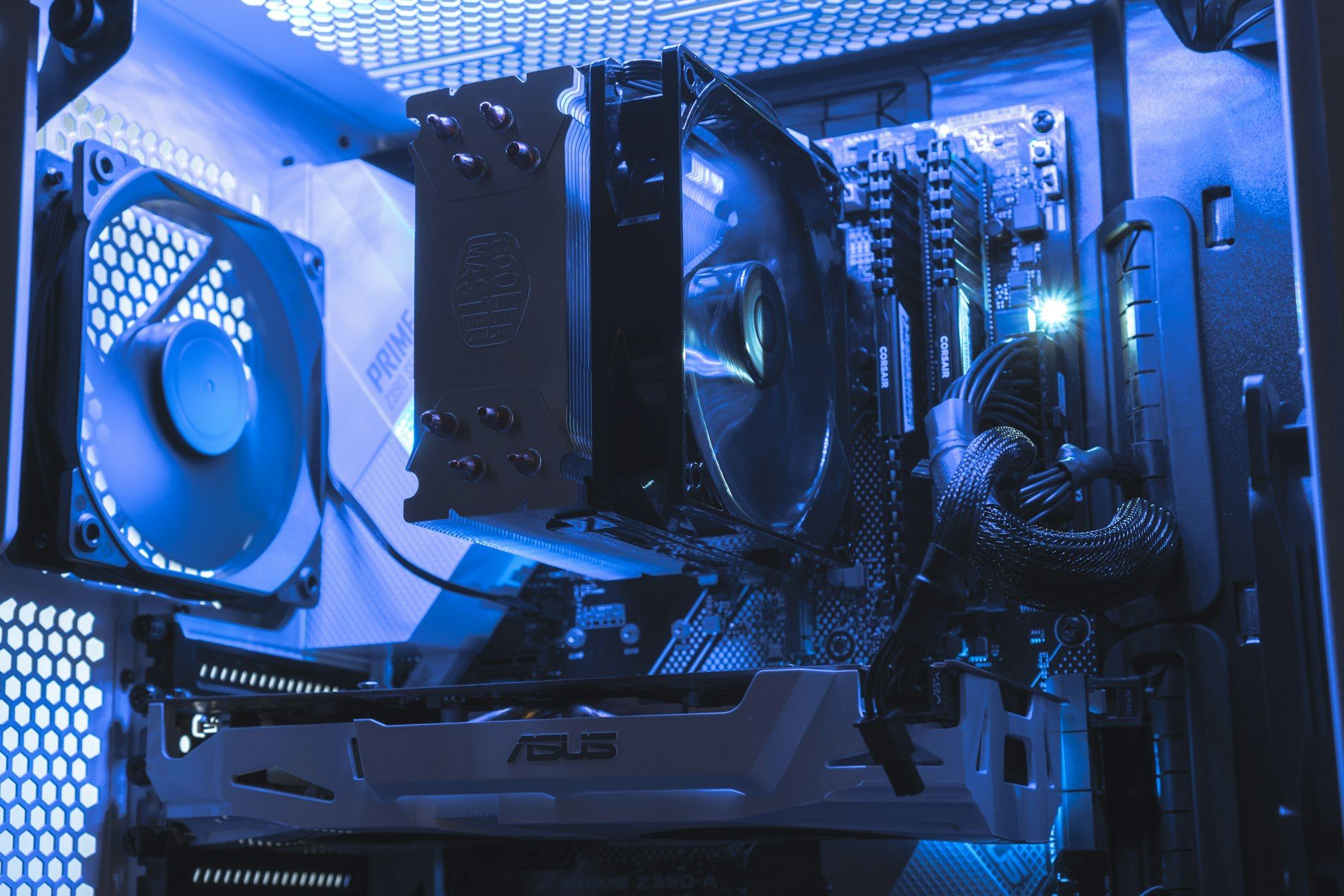
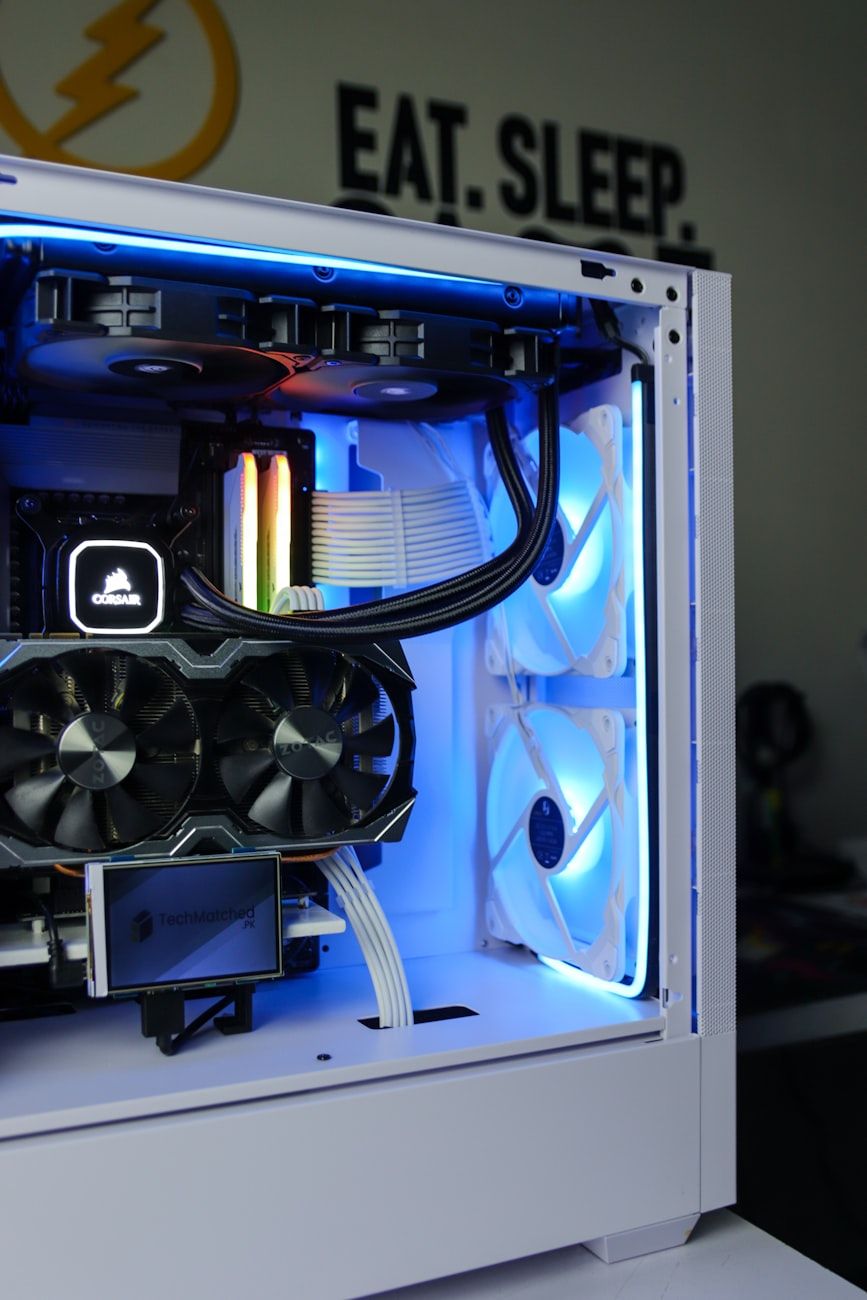
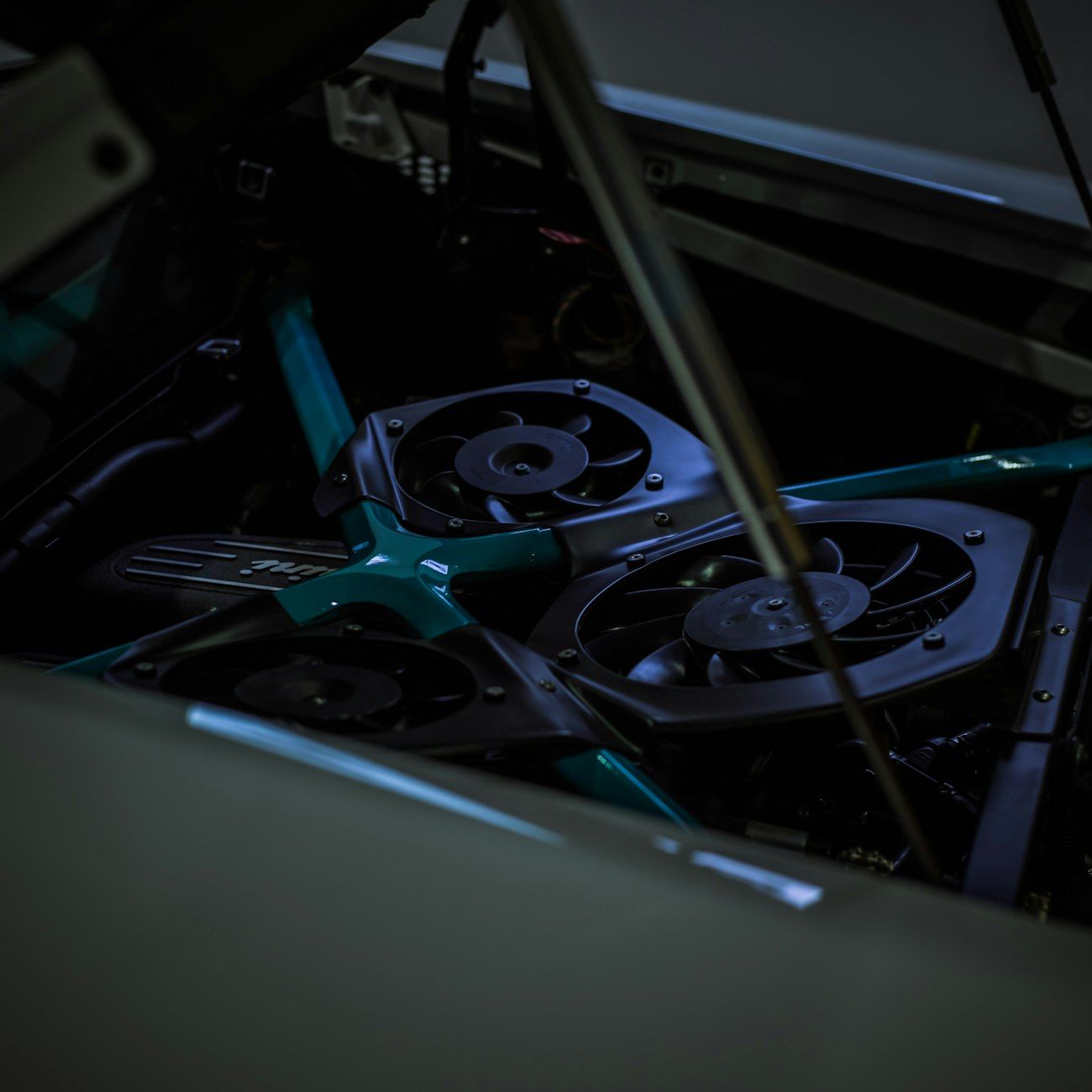
Aquarium PC enclosures have gained popularity in recent years due to their unique aesthetic appeal and innovative design. These enclosures combine the beauty of an aquarium with the functionality of a computer case, creating a visually striking centerpiece for any workspace. However, achieving optimal airflow and cooling in aquarium PC setups can be a challenge due to their distinctive construction.
Proper airflow management is essential for maintaining the performance and longevity of your computer components. In traditional PC cases, airflow is typically managed through strategically placed fans and ventilation openings. However, aquarium chassis present a different set of challenges when it comes to thermal management.
Understanding Aquarium Chassis Thermals
Unlike traditional PC cases that are constructed from metal or plastic, aquarium PC enclosures are primarily made of glass. While this glass construction enhances the visual appeal of the case, it also has implications for thermal management. Glass has poor thermal conductivity compared to metal, making it more challenging to dissipate heat effectively.
Additionally, the enclosed nature of aquarium chassis can trap heat inside the case, leading to increased temperatures if not properly managed. This can result in reduced performance, thermal throttling, and potential damage to your components.
Optimizing Airflow in Aquarium PC Enclosures
When setting up airflow in an aquarium PC enclosure, consider the following tips to ensure optimal cooling performance:
1. Fan Pressure Settings
Adjusting the pressure settings on your fans can help optimize airflow in your aquarium chassis. Setting fans to intake air can help bring in cool air from outside the case, while setting fans to exhaust air can help expel hot air from inside the case. Finding the right balance between intake and exhaust is key to maintaining proper airflow.
2. Optimal Fan Placement
Proper fan placement is crucial for effective cooling in aquarium PC setups. Placing fans strategically to create a clear airflow path can help mitigate heat buildup inside the case. Consider positioning fans near components that generate a lot of heat, such as the CPU and GPU, to ensure efficient heat dissipation.
3. Glass PC Case Considerations
Given the unique thermal properties of glass, special consideration should be given to managing heat in aquarium PC enclosures. Consider using high-quality fans with good static pressure to overcome the challenges posed by glass construction. Additionally, incorporating ventilation openings in key areas of the case can help promote airflow and heat dissipation.
Enhancing PC Cooling Aesthetics
While prioritizing thermal management is essential, you can also enhance the aesthetics of your aquarium PC enclosure through thoughtful fan placement and lighting effects. LED fans can add a visually appealing touch to your setup while helping to keep your components cool.
Silent PC Airflow Solutions
If you value a quiet computing experience, opting for silent fans and optimizing airflow paths can help reduce noise levels in your aquarium PC enclosure. Investing in high-quality, quiet fans and ensuring proper cable management can go a long way in creating a silent and efficient cooling system.
In conclusion, achieving optimal airflow in aquarium PC enclosures requires careful consideration of the unique challenges posed by glass construction and enclosed design. By implementing the tips outlined in this guide, you can maintain proper thermal management, enhance the aesthetics of your setup, and ensure the longevity of your computer components.