How to Set Up an Ergonomic Computer Workspace: Accessories That Improve Health and Productivity


Welcome to our guide on creating the perfect ergonomic computer workspace! In this article, we will explore the best accessories that can help improve your health and productivity at your desk. Whether you work from home or in an office, having an ergonomic setup is crucial to prevent issues such as back pain and repetitive strain injuries. Let's dive in and discover how you can set up a comfortable and healthy computer workstation.
1. Adjustable Ergonomic Chair: One of the most essential components of a healthy workspace is a comfortable chair that supports your lower back and promotes good posture. Look for a chair that is adjustable in height and has proper lumbar support to reduce the strain on your back.
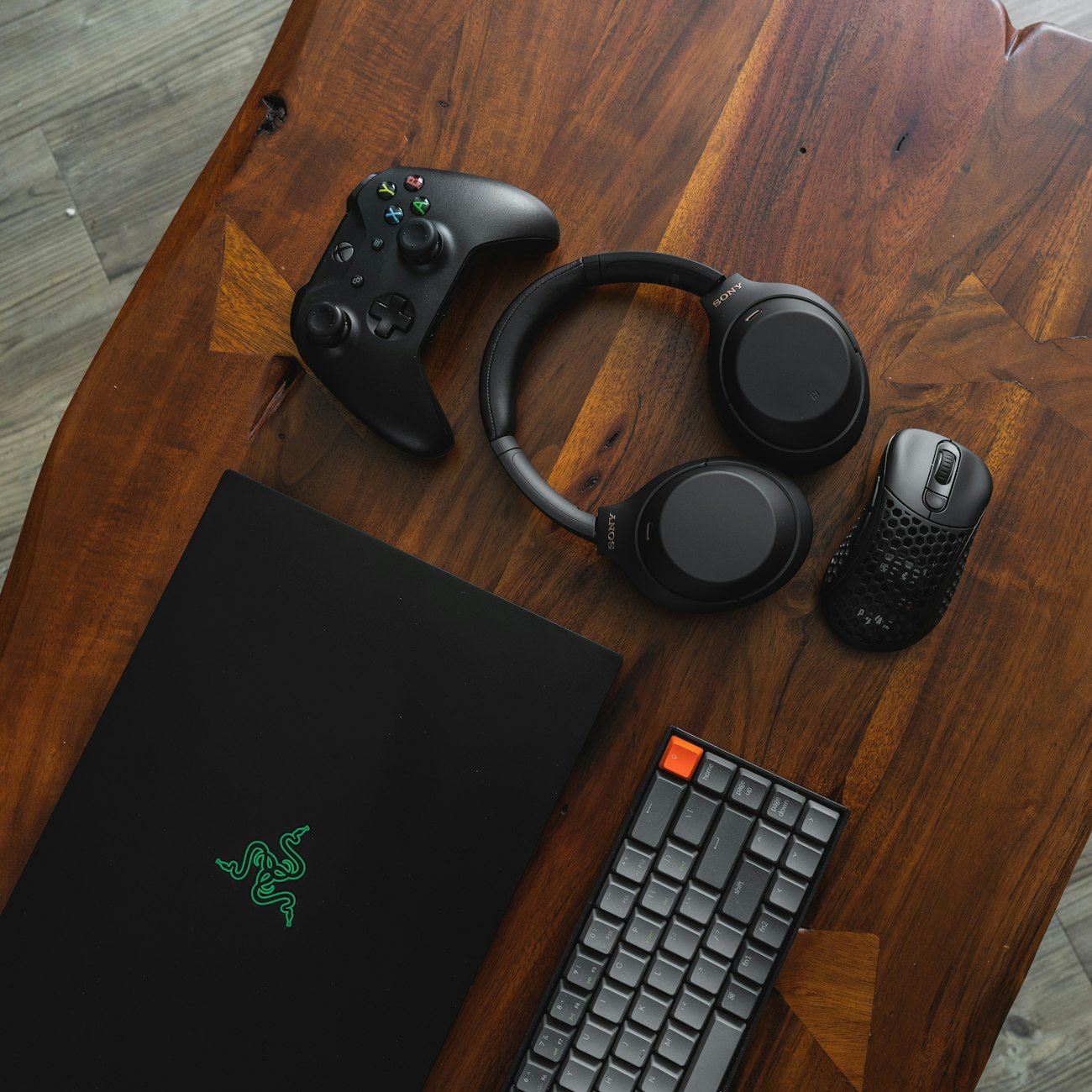
2. Ergonomic Keyboard and Mouse: Using an ergonomic keyboard and mouse can help prevent wrist pain and carpal tunnel syndrome. These accessories are designed to keep your hands and wrists in a natural position, reducing the risk of repetitive strain injuries.
3. Monitor Stand: Positioning your monitor at eye level can help reduce neck strain and eye fatigue. A monitor stand or arm allows you to adjust the height and angle of your screen for optimal viewing comfort.
4. Footrest: A footrest can help improve circulation and reduce pressure on your legs and lower back. It promotes a more relaxed sitting position by allowing you to elevate your feet slightly off the ground.
5. Desk Organizer: Keeping your desk clutter-free can help improve focus and productivity. Invest in a desk organizer to store pens, papers, and other supplies in an organized manner, creating a clean and efficient workspace.
6. Task Lighting: Proper lighting is essential for reducing eye strain and preventing headaches. Add a task light to illuminate your workspace and reduce glare on your computer screen.
7. Cable Management: Tangled cables can be both unsightly and a tripping hazard. Use cable clips or sleeves to organize and secure cords, keeping them out of the way and maintaining a clean workspace.
By incorporating these ergonomic accessories into your desk setup, you can create a comfortable and healthy workstation that promotes productivity and well-being. Remember to take regular breaks, stretch, and adjust your posture throughout the day to prevent muscle strain and fatigue. With the right tools and habits, you can enjoy a pain-free and efficient work experience.
We hope this ergonomic desk setup guide has provided you with valuable insights on the best accessories for your home office. Implement these ergonomic office tips to prevent injuries and create a comfortable workstation that supports your health and productivity. Here's to a happy and healthy work environment!