Second-Hand Cinema: How to Inspect Used DVDs and Blu-rays Before Buying
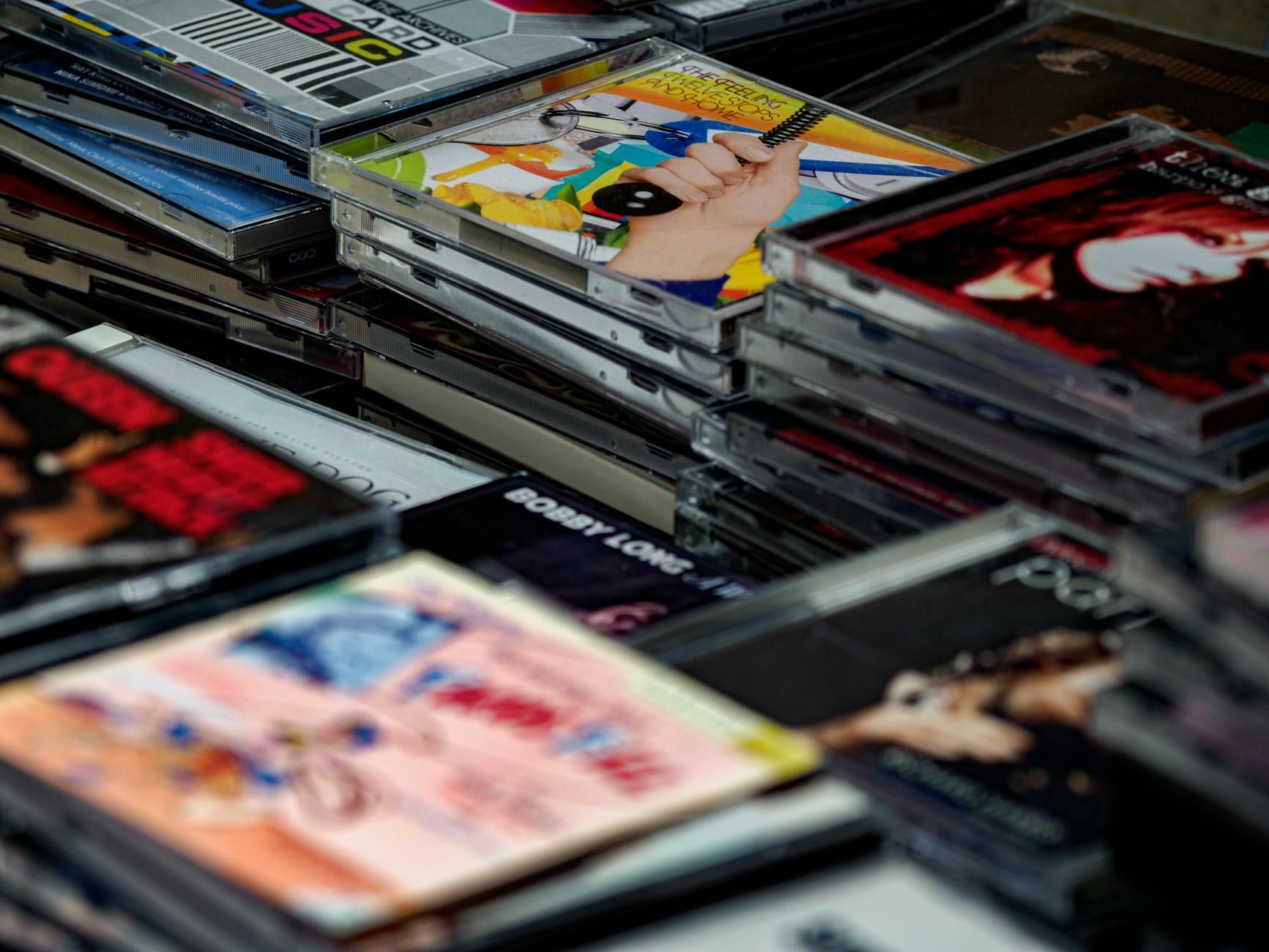
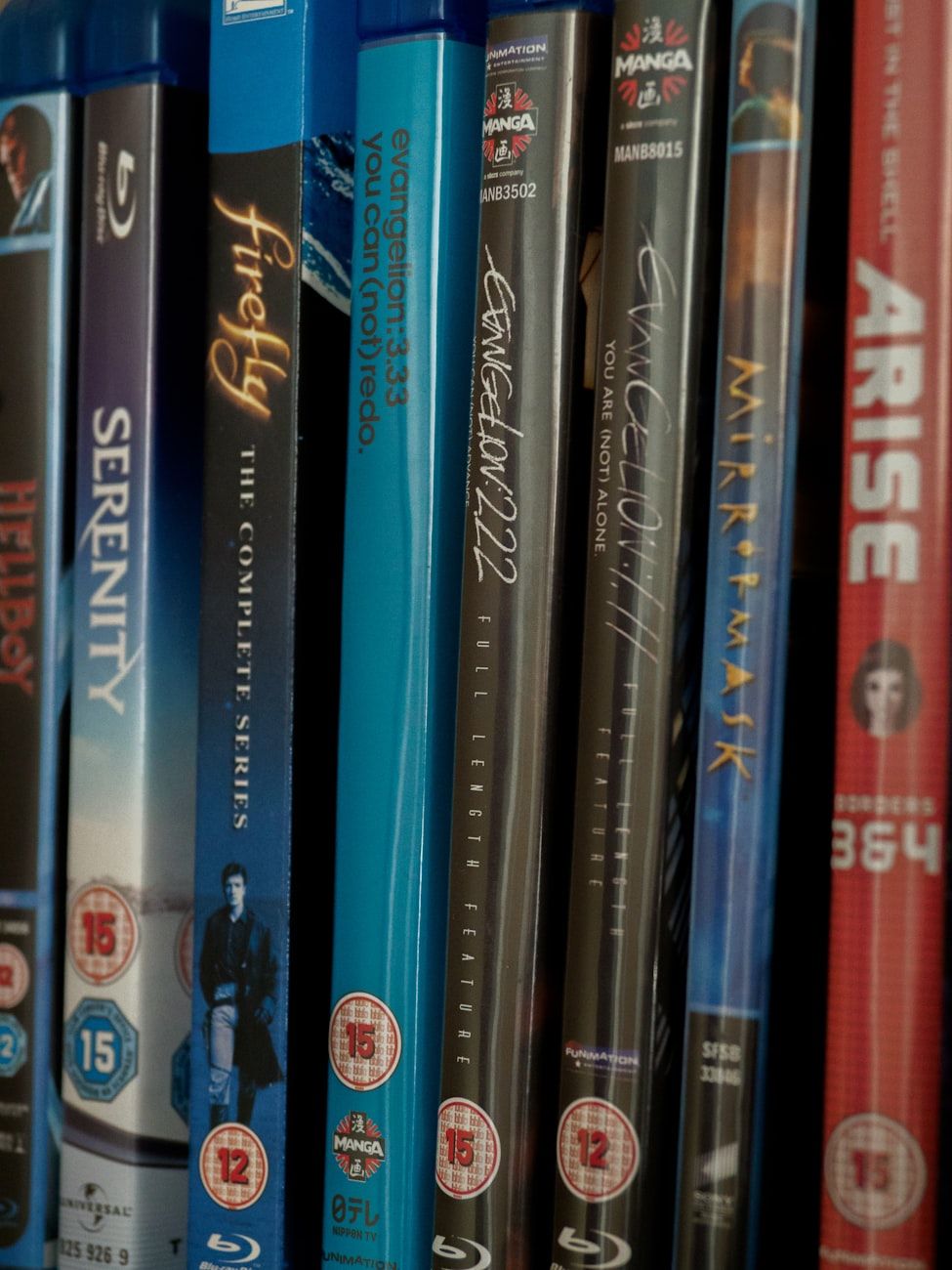

Are you an avid movie collector or simply looking to expand your film library without breaking the bank? Buying used DVDs and Blu-rays can be a great way to score some hidden gems at affordable prices. However, when purchasing second-hand cinema, it's essential to inspect the discs thoroughly to ensure they are in good condition. In this guide, we will provide you with tips and techniques on how to examine used DVDs and Blu-rays before making a purchase.
1. Check for Physical Damage: The first step in inspecting a used DVD or Blu-ray is to look for any visible signs of damage. Check the disc for scratches, cracks, or warping. Scratches can impede playback or cause skipping, while cracks and warping indicate structural damage that may affect the disc's performance. Make sure to also examine the case for any cracks or broken hinges.
2. Examine the Disc Surface: Hold the disc under a bright light and look for smudges, fingerprints, or dust particles. These minor imperfections can usually be cleaned with a soft cloth, but excessive dirt or smudges may require more thorough cleaning. Avoid discs with deep scratches or discoloration, as these are signs of damage that may impact playback quality.
3. Test the Playback: If possible, ask the seller if you can test the disc on a DVD or Blu-ray player before making a purchase. This will allow you to check for playback issues such as freezes, skips, or audio/video synchronization problems. Pay attention to any unusual noises coming from the player, as this may indicate disc rot or other damage.
4. Look for Signs of Disc Rot: Disc rot is a common issue with older DVDs and Blu-rays, particularly those manufactured before the early 2000s. Symptoms of disc rot include discolored spots on the disc surface, visible pinholes, or a powdery residue. If you notice any of these signs, it's best to avoid purchasing the disc, as disc rot is irreversible and can render the disc unplayable.
5. Check the Disc's Region Code: Make sure that the DVD or Blu-ray you are purchasing is compatible with your region's player. Region codes can vary between different countries, so it's essential to verify that the disc you are buying matches your player's region code to ensure it can be played successfully.
6. Inspect the Packaging: In addition to examining the disc itself, take a close look at the packaging for any signs of wear or damage. Check for tears, dents, or water damage that may indicate poor storage conditions. A well-maintained case is usually a good indication that the disc has been well cared for.
Conclusion: Buying used DVDs and Blu-rays can be a cost-effective way to build your movie collection or discover rare and vintage titles. By following these tips on inspecting second-hand cinema, you can make informed purchasing decisions and avoid ending up with damaged or unplayable discs. Whether you're shopping at thrift stores, online marketplaces, or local garage sales, knowing how to properly check used discs will ensure that you get the most out of your secondhand movie collecting experience.
Remember, a little extra time spent inspecting a used disc can save you from future disappointment and frustration. With a keen eye for detail and thorough examination, you can enjoy the thrill of adding new titles to your collection while preserving the quality of your vintage media finds.