Understanding Motherboards: The Heart of Your Computer
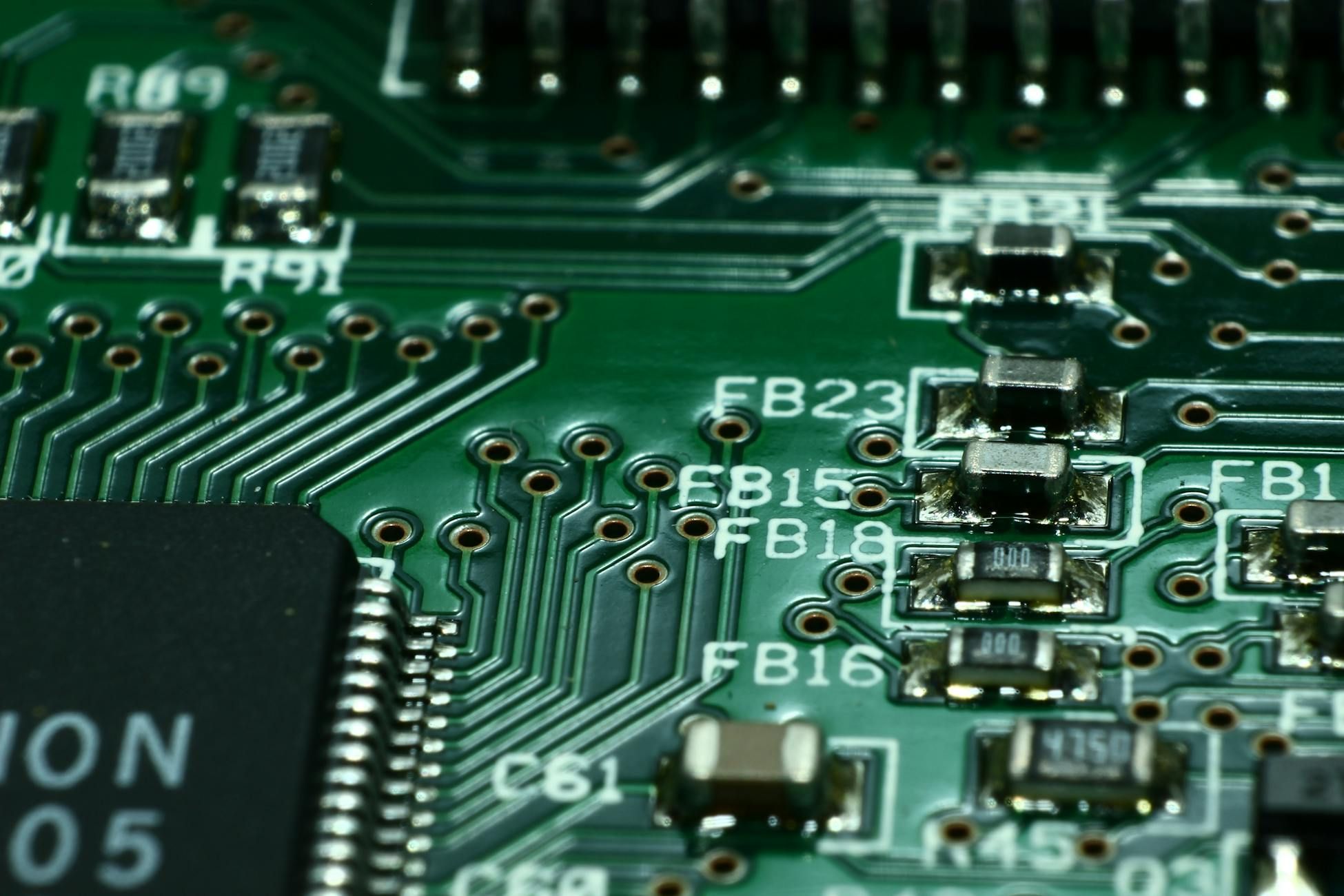
Welcome to our hardware guide where we will explore the heart of your computer - the motherboard. Whether you are a seasoned tech enthusiast or a beginner in the world of computing, understanding motherboards is essential for anyone looking to build or upgrade a computer system. In this article, we will delve into the basics of computer motherboards, their components, functions, types, and how they work in your PC setup.
What is a Motherboard?
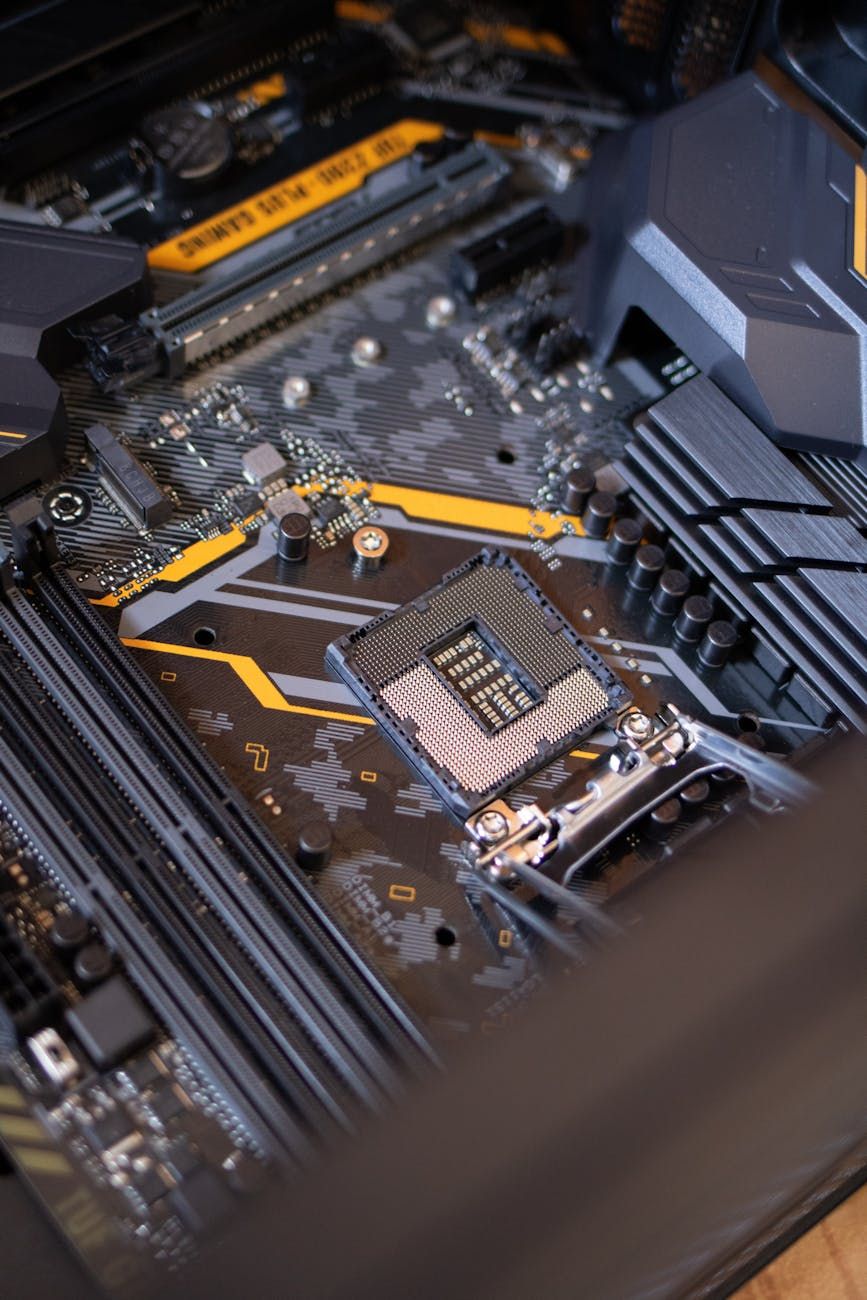
A motherboard is the main circuit board of a computer that serves as a central hub connecting all the components of the system. It is a critical piece of hardware that houses the CPU, memory, storage devices, and other essential peripherals necessary for the computer to function properly. Think of the motherboard as the backbone of your PC, enabling communication between different parts of the system.
Motherboard Components
Understanding the key components of a motherboard is vital for anyone looking to grasp the inner workings of a computer system. Some of the primary components found on a motherboard include:
- CPU Socket: The slot where the processor (CPU) is inserted
- RAM Slots: Memory slots for installing RAM modules
- PCIe Slots: Expansion slots for adding graphics cards, sound cards, and other peripherals
- SATA Connectors: Ports for connecting storage devices like hard drives and SSDs
- USB Headers: Ports for connecting external USB devices
- CMOS Battery: Powers the motherboard's BIOS settings
Motherboard Functions
The motherboard performs several crucial functions in a computer system, including:
- Power Distribution: Distributing power to all components connected to the motherboard
- Data Communication: Facilitating data exchange between different hardware components
- BIOS Management: Controlling the basic input/output system for booting up the computer
- Expansion Support: Providing slots for adding expansion cards and peripherals
Motherboard Types
There are various types of motherboards available in the market, each designed for specific purposes and compatibility requirements. Some common motherboard form factors include:
- ATX: Standard form factor suitable for most consumer desktop PCs
- Micro-ATX: Smaller than ATX, ideal for compact desktop builds
- Mini-ITX: Tiny form factor commonly used in small form factor PCs and HTPCs
How Motherboards Work
When you press the power button on your computer, the motherboard sends a signal to the PSU (Power Supply Unit) to start supplying power to the system. The CPU then retrieves data from the BIOS chip on the motherboard and begins the boot process. The motherboard coordinates the flow of data between the CPU, RAM, storage devices, and other peripherals, enabling the computer to function as a cohesive unit.
Building a PC Motherboard
Building a PC from scratch involves selecting compatible components, including the motherboard. When building a PC, ensure that the motherboard you choose supports the CPU socket type, RAM capacity, and expansion slots required for your desired configuration. Take your time to read the motherboard manual and carefully install the components to avoid any potential issues during the build process.
In conclusion, the motherboard is the central nervous system of your computer, playing a vital role in the overall performance and functionality of your system. By understanding the basics of computer motherboards, you can make informed decisions when building or upgrading your PC setup. We hope this motherboard guide has provided you with valuable insights into the world of PC hardware.